Recipe Photo to Text: Turn Screenshots and Pictures Into Recipes
Convert a recipe photo or screenshot to editable text: how AI reads ingredients and steps, tips for better results and what to check afterwards.
By Ayoub Farid · · 2 min read
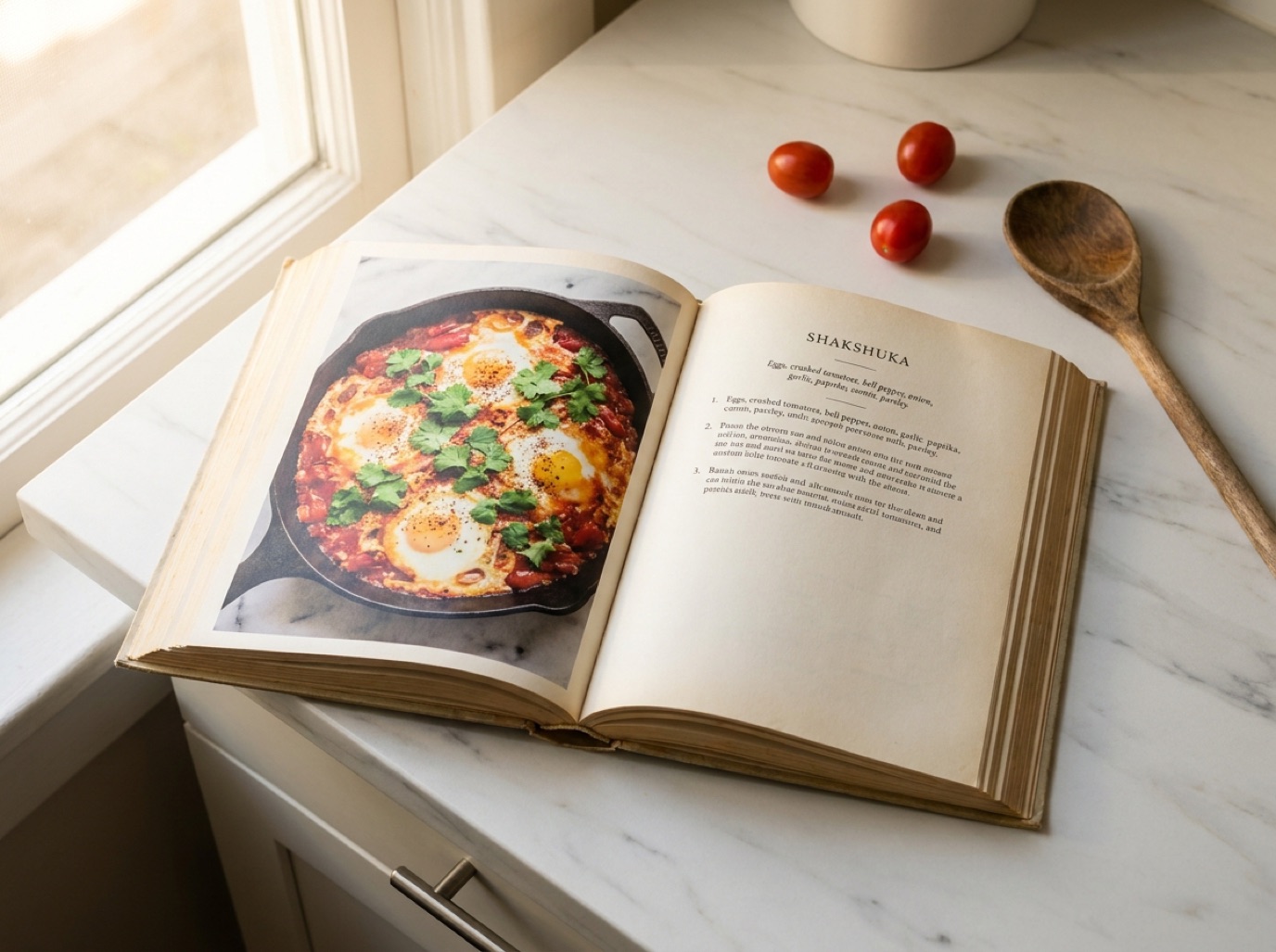
Recipe screenshots, photos of a friend's recipe card, a picture of a menu board, a magazine page snapped at the dentist: all of them contain a recipe trapped in an image. Converting the photo to text makes it searchable, editable and scalable.
Plain OCR vs AI recipe scanning
OCR (optical character recognition) turns an image into raw text. You get a block of words that you still need to format, and fractions often come out wrong.
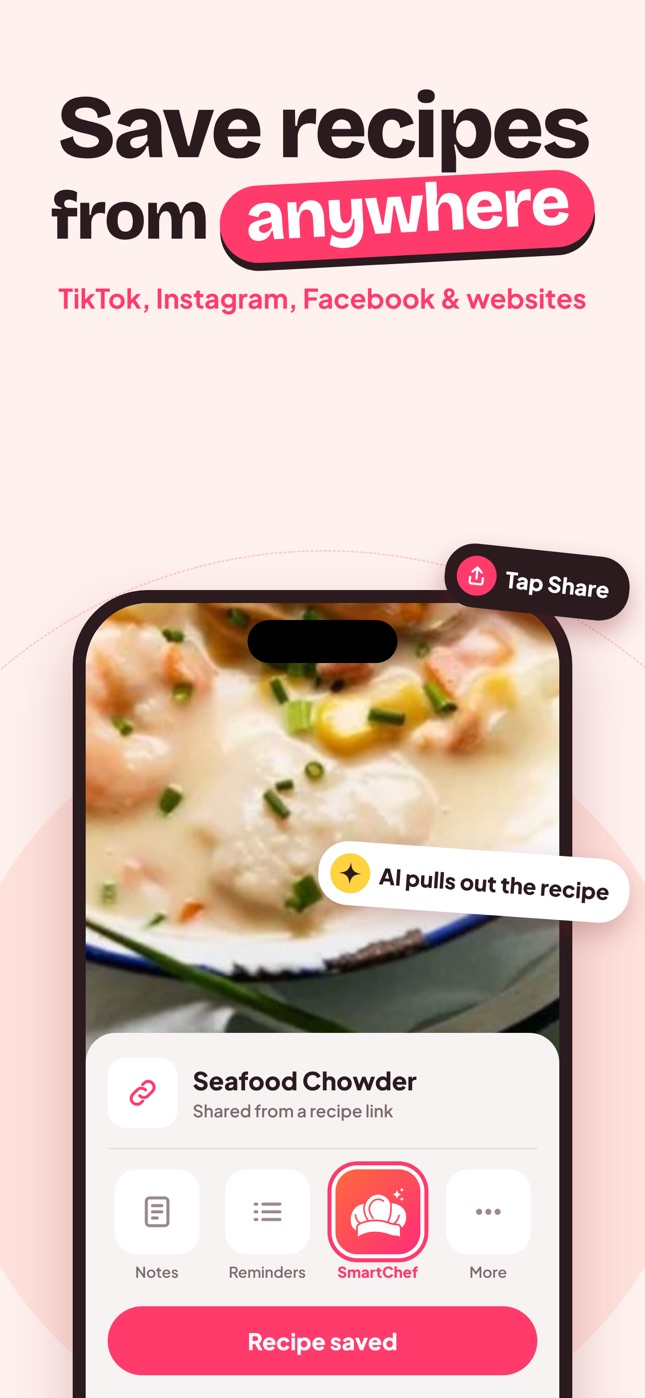
AI recipe scanning reads the text and understands it: which lines are ingredients, which are steps, what the quantities and units are, how many servings it makes. SmartChef AI does this and adds estimated nutrition.
How to convert a recipe photo
- Open SmartChef AI and tap Camera Scan.
- Choose the photo or screenshot from your gallery (or take a new one).
- Review the extracted recipe: title, ingredients, steps.
- Fix anything misread and save it to a collection.
Tips for screenshots
- Capture the whole recipe: scroll and take screenshots of the ingredients and the method.
- Zoom before screenshotting if the text is small.
- Avoid overlays: close pop-ups and cookie banners first.
- Scan in order: ingredients first, then method.
Tips for photos of paper
- Shoot straight on, in daylight.
- Flatten the page.
- Avoid flash glare on glossy paper.
- Crop to one recipe.
What to check after converting
| Check | Common issue |
|---|---|
| Fractions | ½ read as 1/2 or 12 |
| Units | "T" (tablespoon) vs "t" (teaspoon) |
| Temperatures | °F vs °C |
| Missing lines | Text cut off at the edge of the photo |
| Merged steps | Two steps joined into one |
Then delete the screenshot
Once the recipe is saved, delete the original screenshot to keep your camera roll for photos. More on that: stop screenshotting recipes.
Batch-convert old screenshots
If you have dozens of recipe screenshots, do them in batches: select 5–10 you'd cook this month, convert them, check each one, and delete the originals. Repeat weekly. See stop screenshotting recipes.
Photos of recipe books in other languages
Traveling or cooking from a cookbook in another language? Scan the page, then ask Cook AI to translate the recipe and explain unfamiliar ingredients or terms. Check that units and oven temperatures are converted for your kitchen. See oven temperature conversion.
Frequently asked questions
Can I convert a recipe image to text for free?
Phones can copy text from images, but you'll format it yourself. Recipe apps with AI scanning do the formatting; many have free tiers with limits.
Does it work with handwriting?
Yes, for reasonably clear handwriting. See how to digitize family recipes.
Can it read recipes in other languages?
AI scanning generally handles major languages. Ask Cook AI to translate unfamiliar terms.
Save it in one tap
Every recipe you love, in one smart kitchen
SmartChef AI saves recipes from TikTok, Instagram and any website, scans cookbooks and handwritten cards, and answers your cooking questions with an AI chef. Free to download on iPhone and iPad.
Download on theApp Store