 Ingredients detected
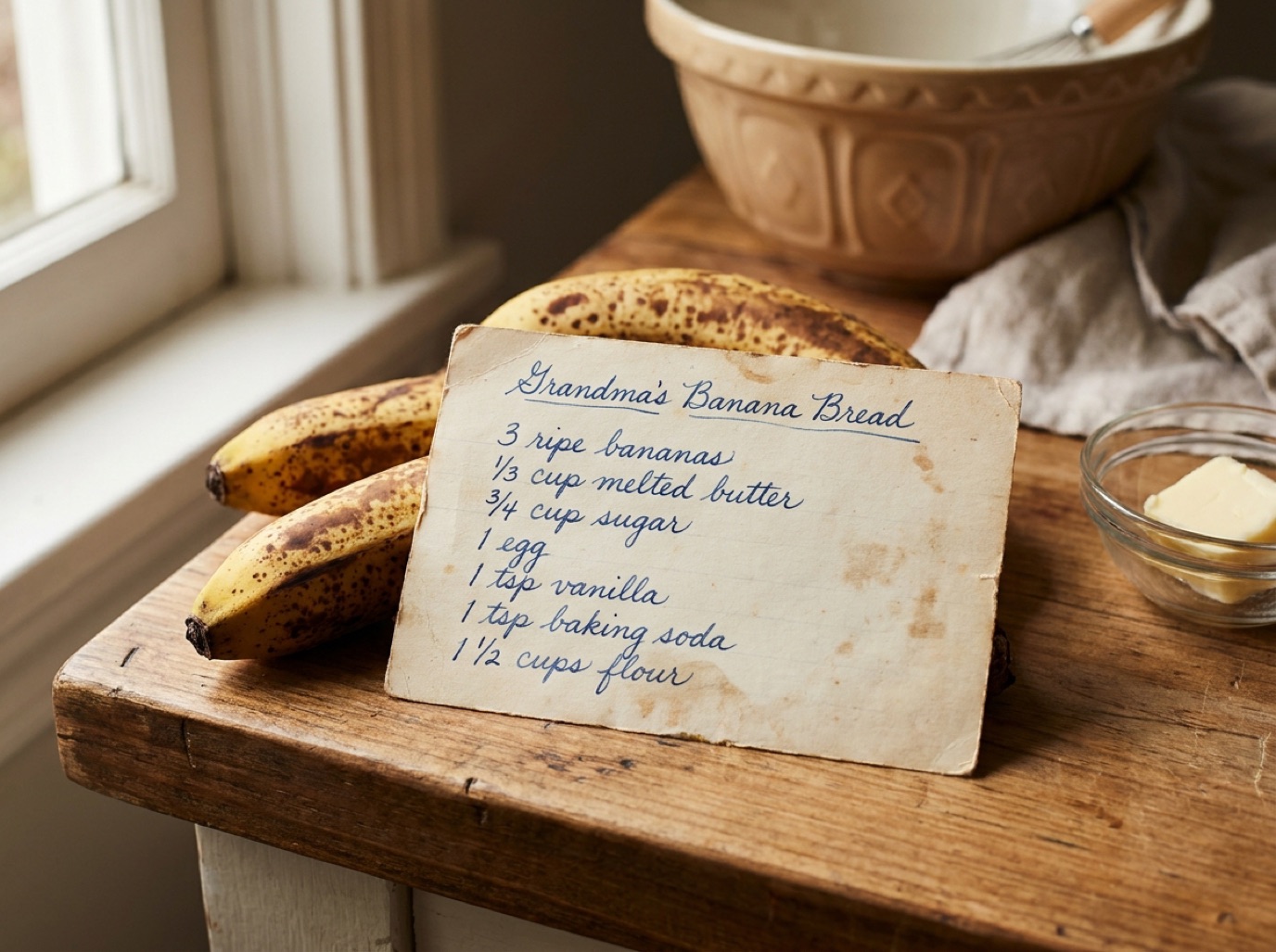
Handwritten recipe cards
Digitize family recipes before the ink fades.
Grandma's Banana Bread
- 3 ripe bananas
- ⅓ cup melted butter
- ¾ cup sugar
- 1 egg
- 1½ cups flour
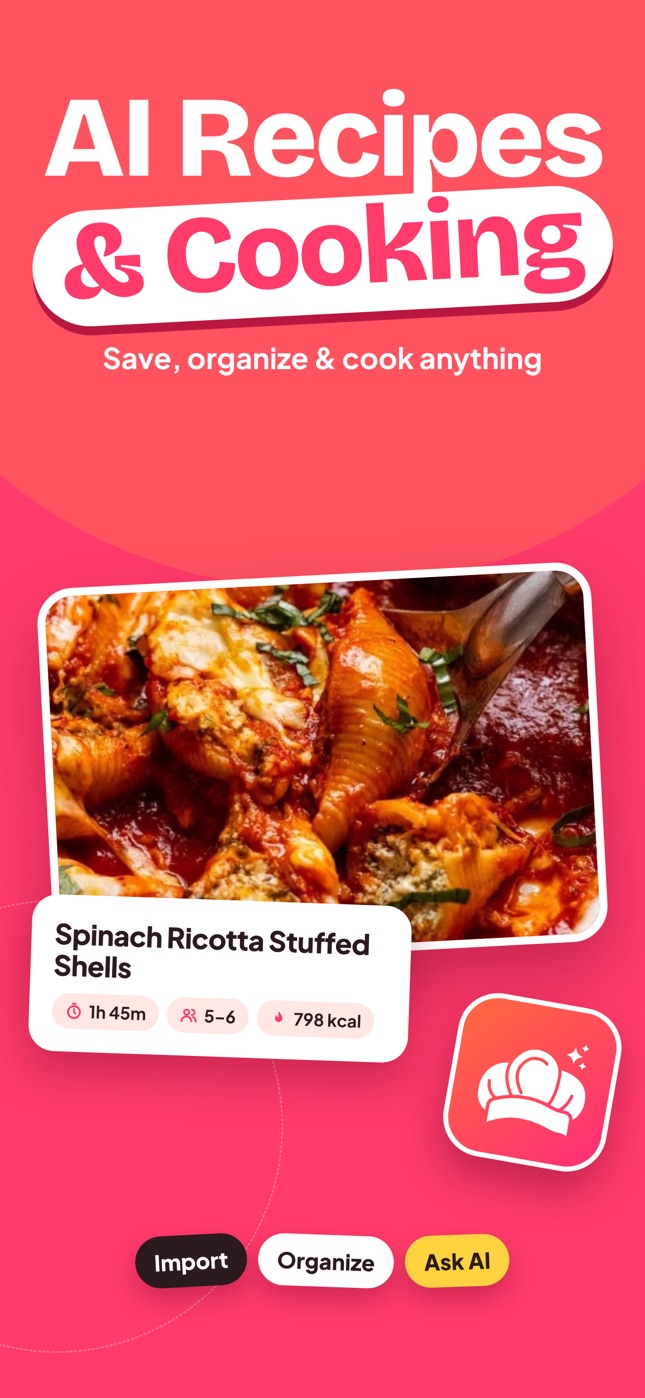
Share a recipe from TikTok, Instagram or any website, or snap a cookbook page, and SmartChef AI turns it into a clean, step-by-step recipe with ingredients and nutrition. Then ask your AI chef anything.
Free download · iPhone & iPad · 33 languages
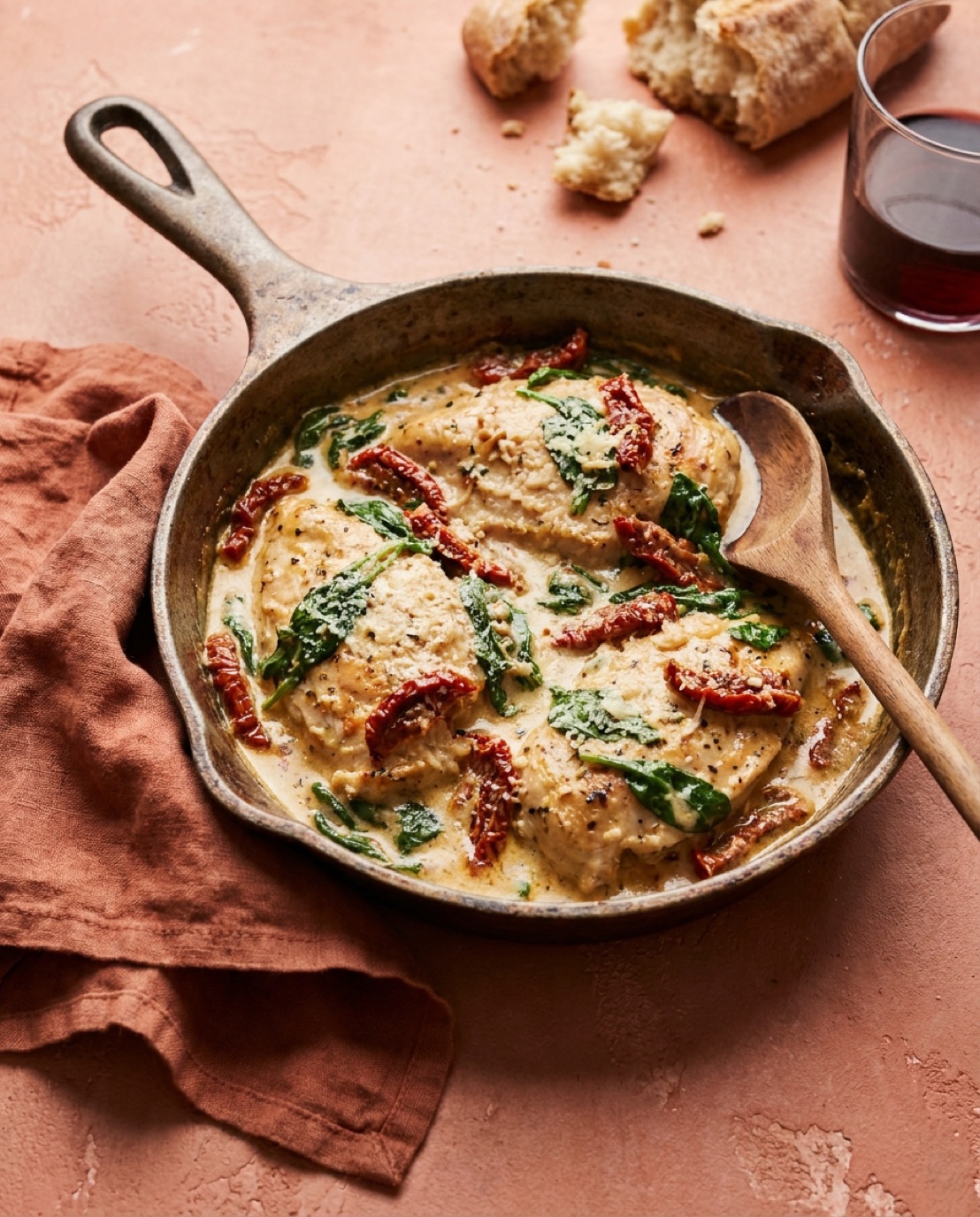
Creamy Tuscan Chicken

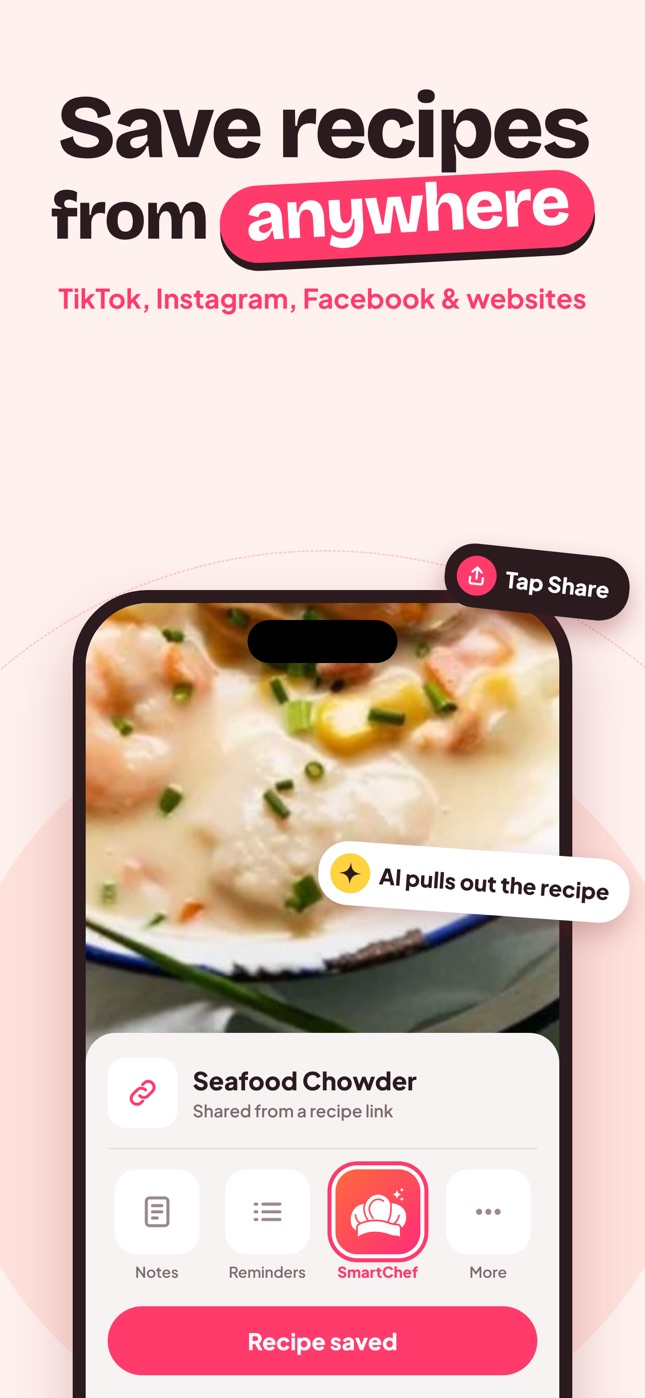
Found dinner in a Reel? Tap Share, choose SmartChef AI, and the AI pulls out the ingredients and steps for you. No more screenshots, saved posts you never find again, or scrolling past someone's life story to reach the recipe.
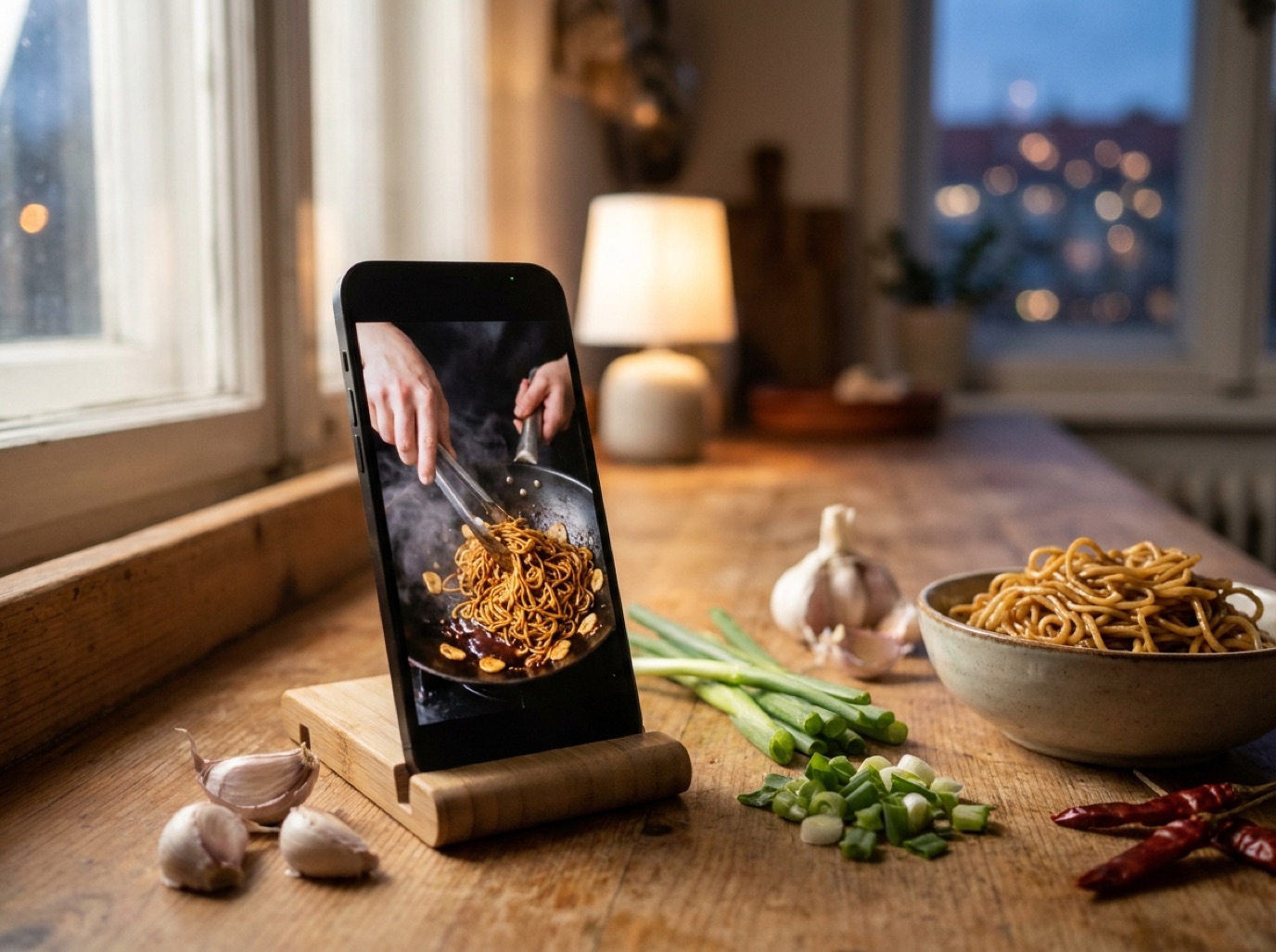
Garlic Butter Noodles
Shared from a recipe video
Recipe saved
On a TikTok, Reel, Facebook post or recipe website, open the share menu.
Or copy the link and paste it into the app's Import box.
Ingredients, steps, time and nutrition land in your cookbook, ready to cook.
Point your camera at a cookbook page, Grandma's handwritten card or even a plate of food. SmartChef AI reads it and gives you ingredients, steps and nutrition you can edit, scale and save.
Ingredients detectedDigitize family recipes before the ink fades.
Grandma's Banana Bread
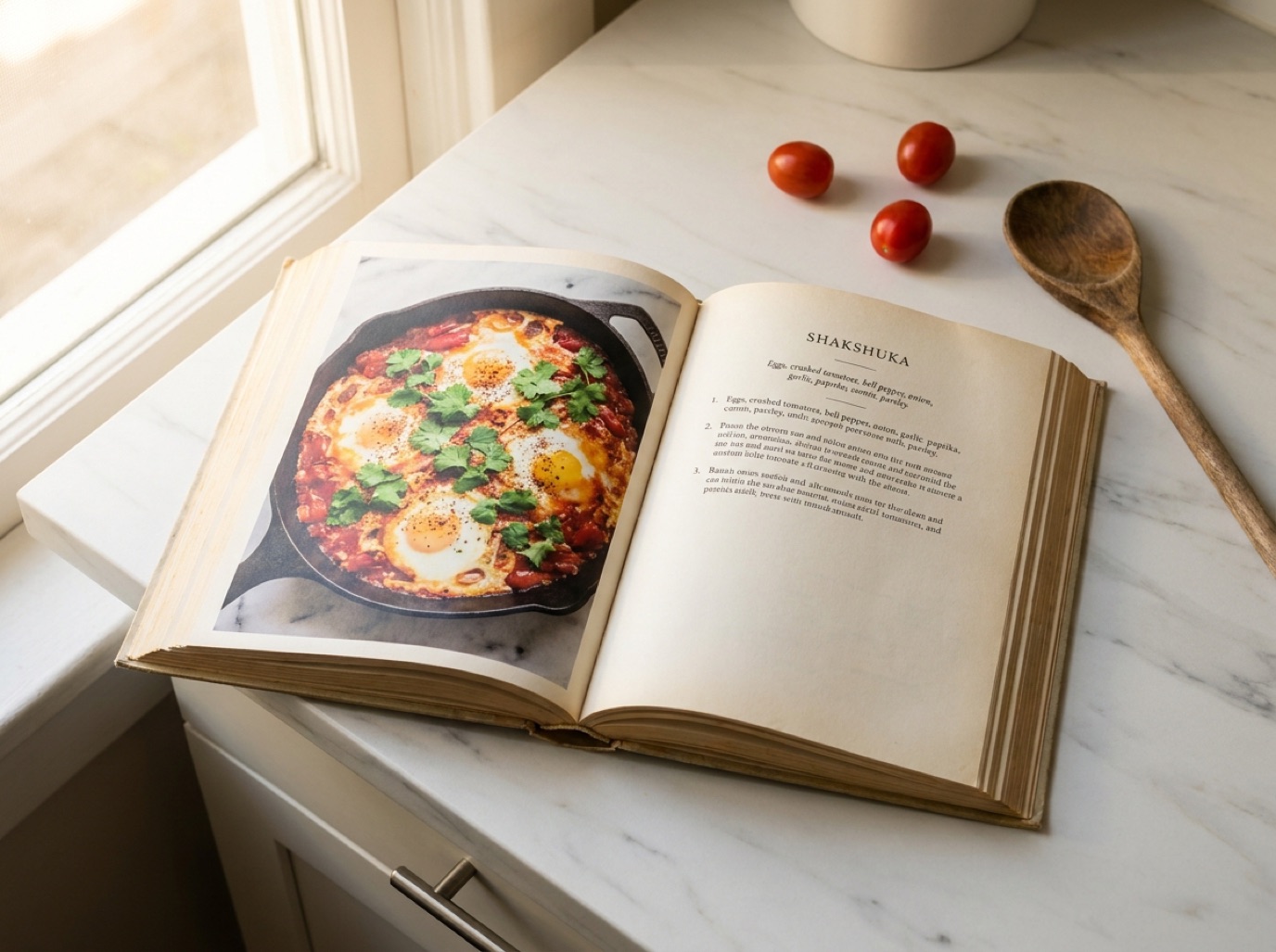 Ingredients detected
Keep your favorite cookbook recipes on your phone.
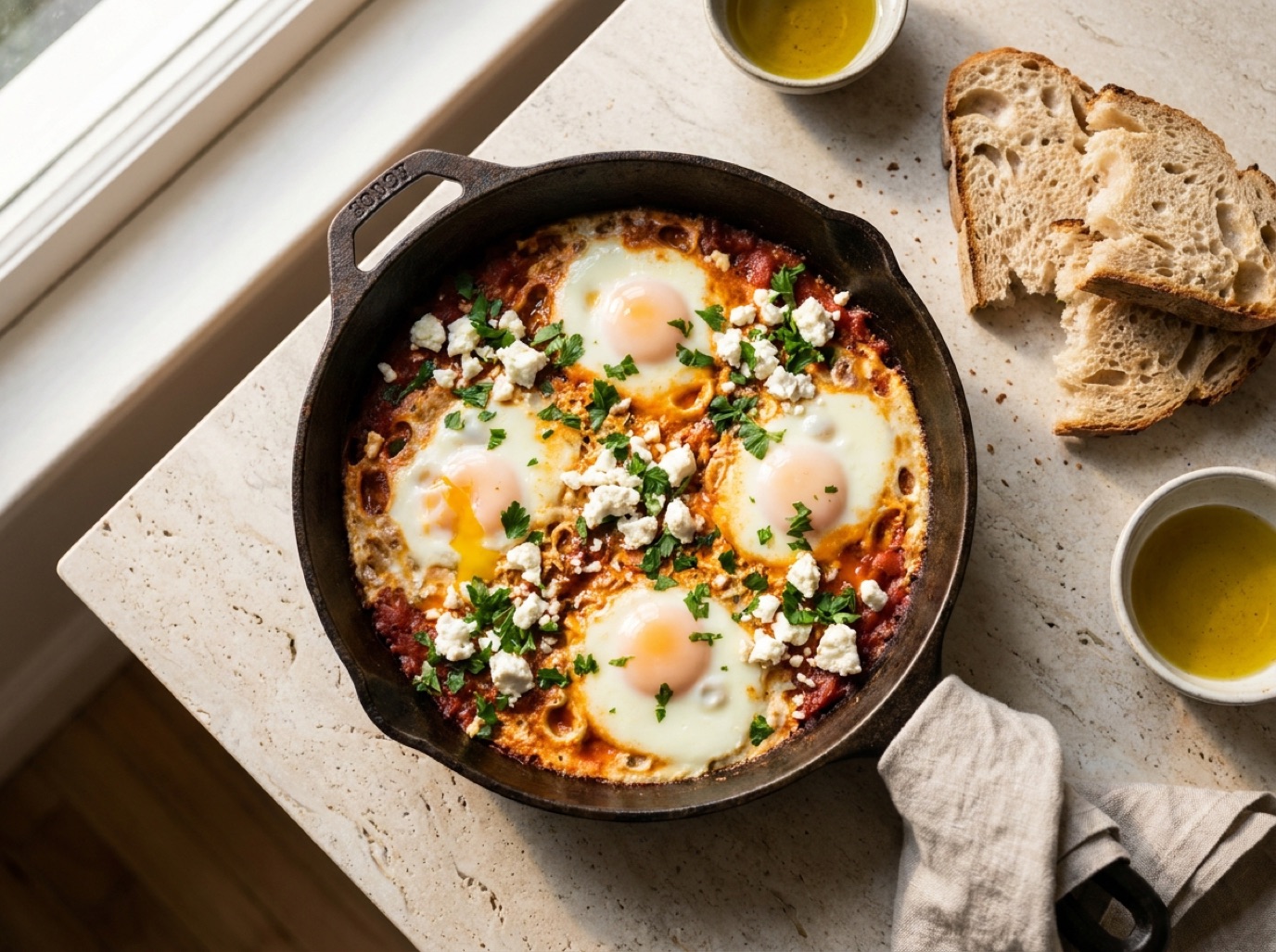
Shakshuka
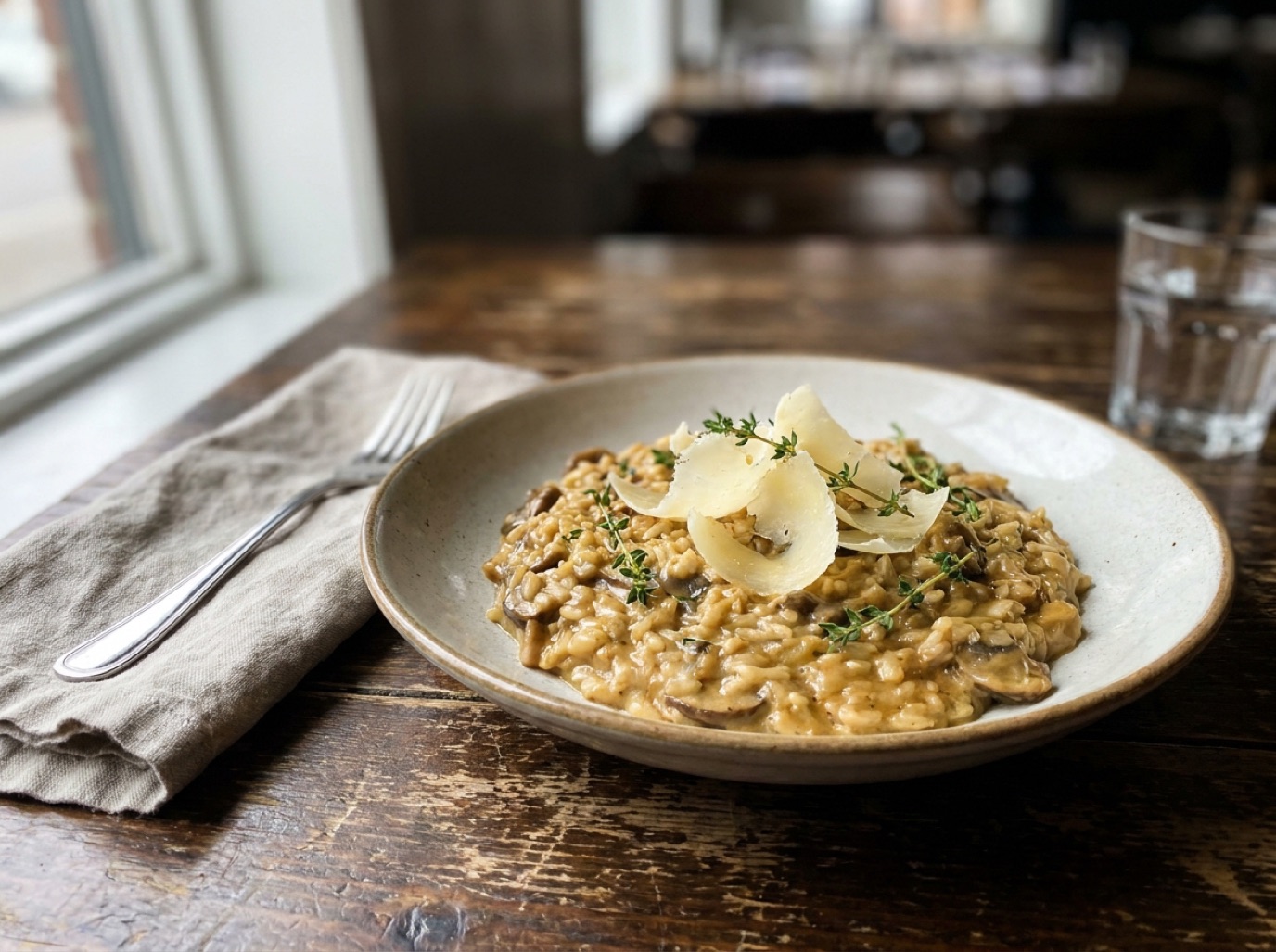 Ingredients detected
Loved a dish? Snap it and get a recipe to recreate it.
Mushroom Risotto
Example photos are AI-generated for illustration. Results depend on how clear and complete the photo is, so check the recipe before you cook.
Clean, ad-free & ready to cook
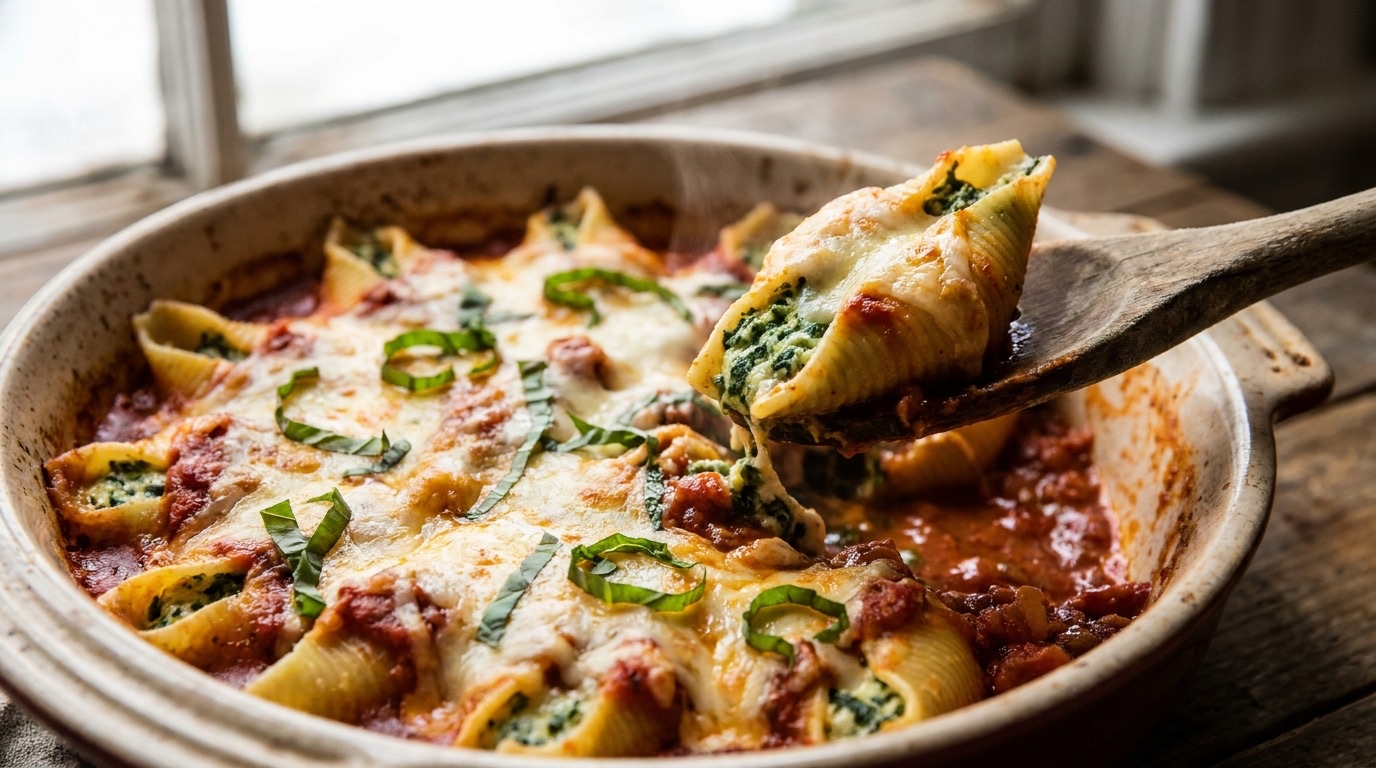
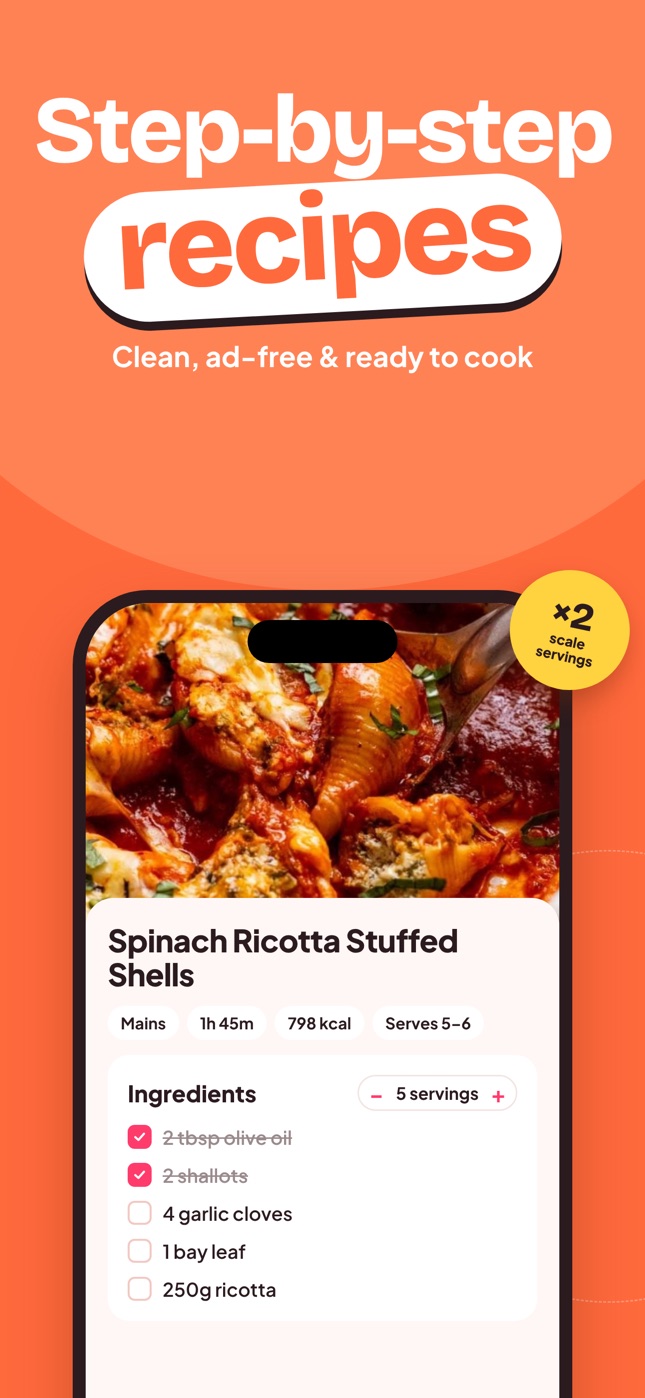
Every saved recipe gets the same clean layout: ingredients you can tick off, servings you can scale, nutrition per serving and one step at a time on screen while you cook. Try it below.
Ingredients
798
Calories
34 g
Protein
86 g
Carbs
35 g
Fat
7 g
Fiber
Steps
Step 1 of 4
Boil the jumbo shells in salted water until just al dente, then drain and lay them flat on a tray.
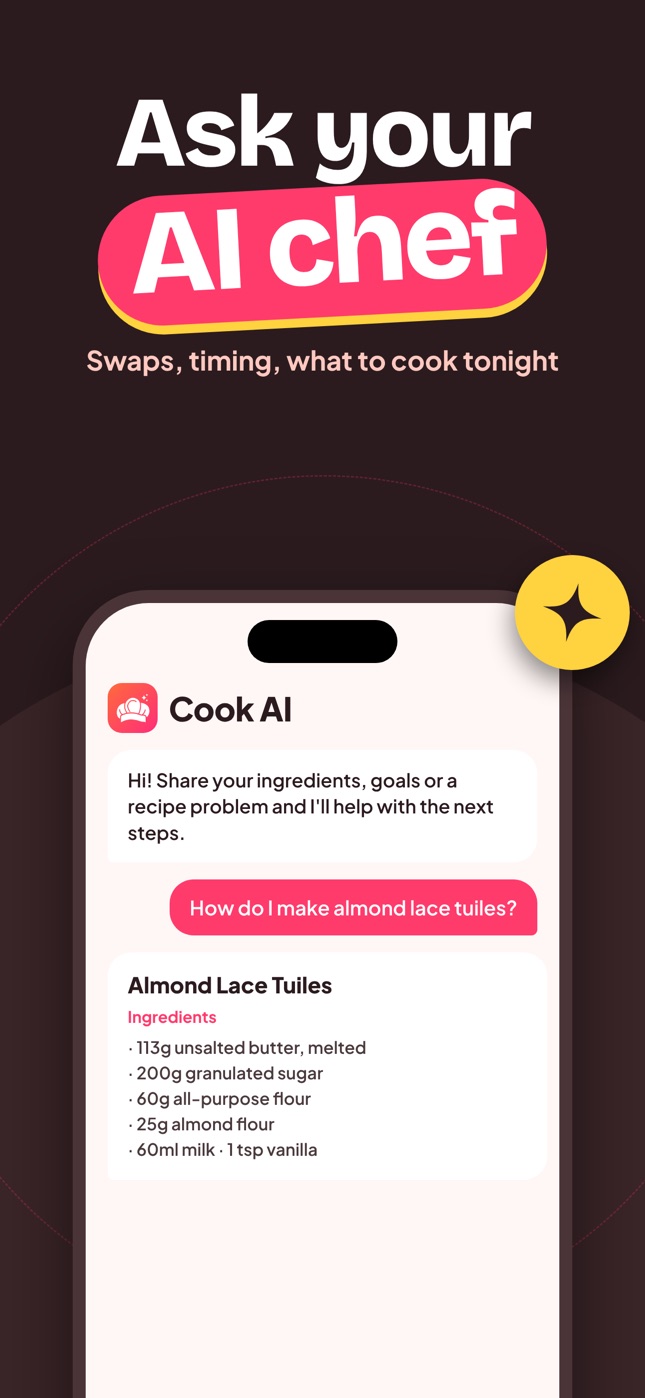
Swaps, timing, what to cook tonight
Cook AI is a cooking assistant that answers in seconds. Ask what to make with what's in your fridge, how to swap an ingredient you're missing, how long to rest a roast, or how to make a recipe vegetarian.
Cook AI
Hi! Share your ingredients, goals or a recipe problem and I'll help with the next steps.
I have chicken thighs, rice, spinach and a lemon. What can I make tonight?
Lemon Chicken & Spinach Rice
Ingredients
Every recipe, organized in collections
Sort your recipes into collections like Weeknight Dinners, Soups or Baking, and find any dish by its name or an ingredient. Your recipe box, finally in one place instead of across screenshots, bookmarks and notebooks.
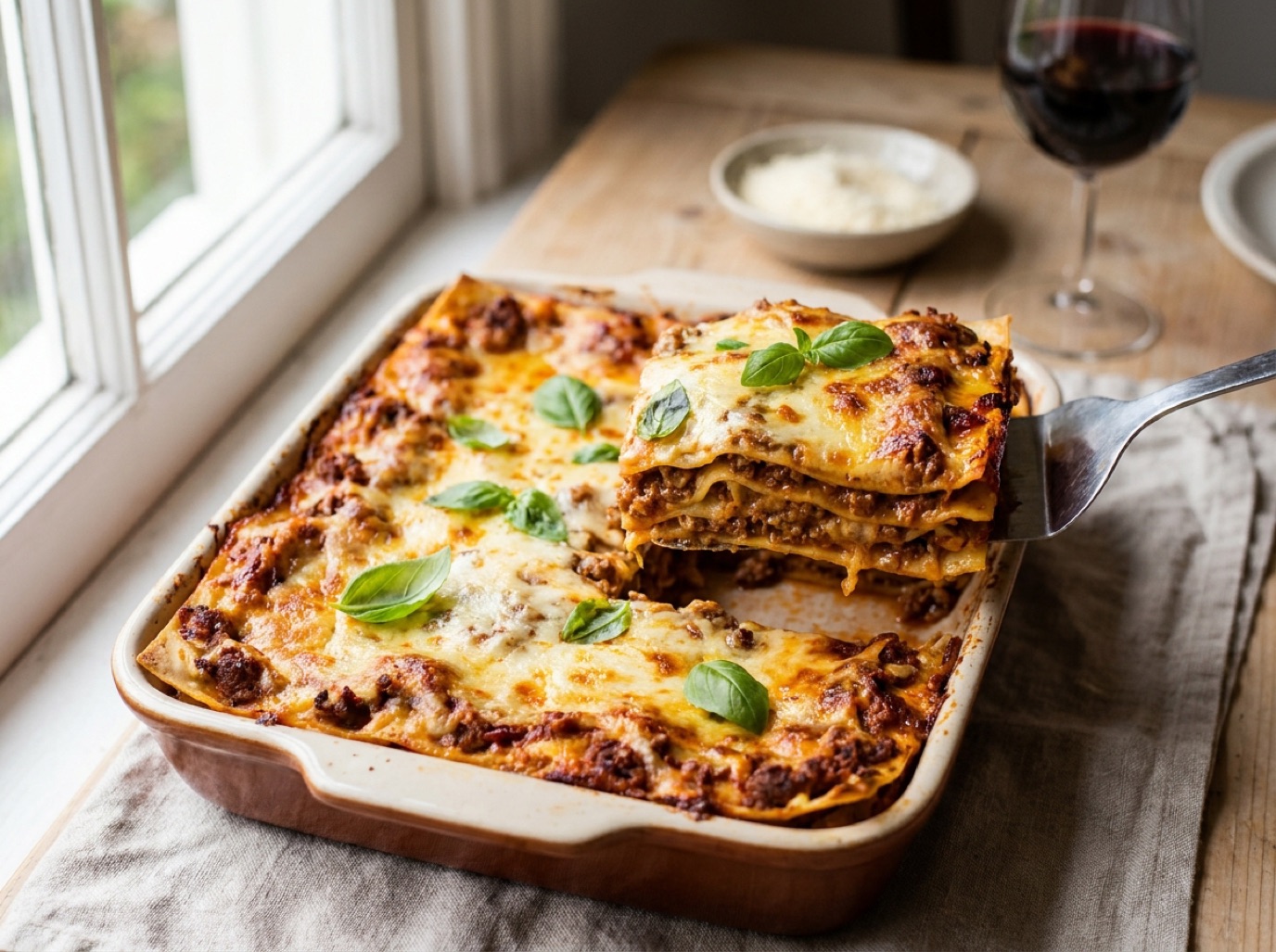
Pasta & mains
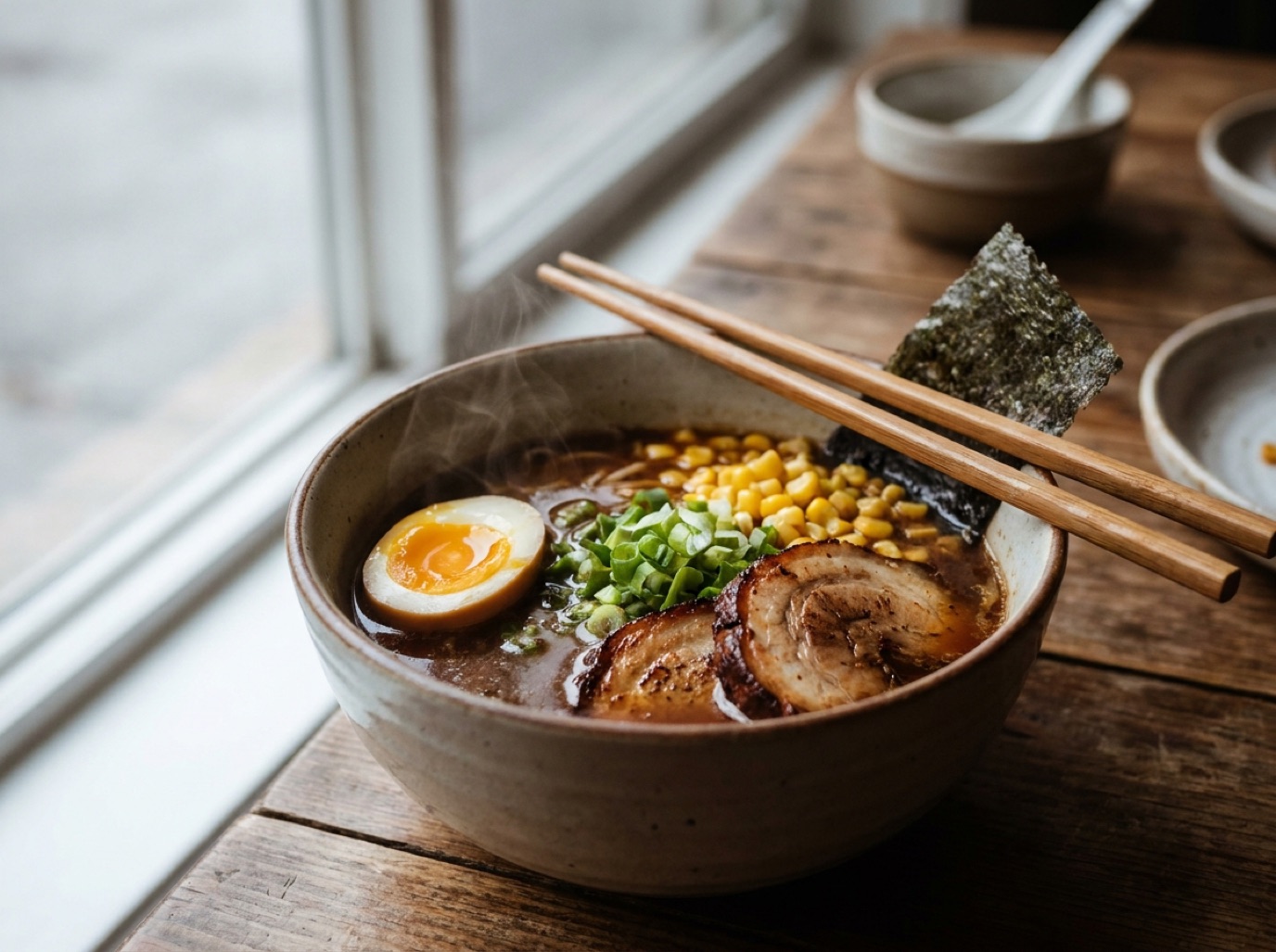
Cozy bowls
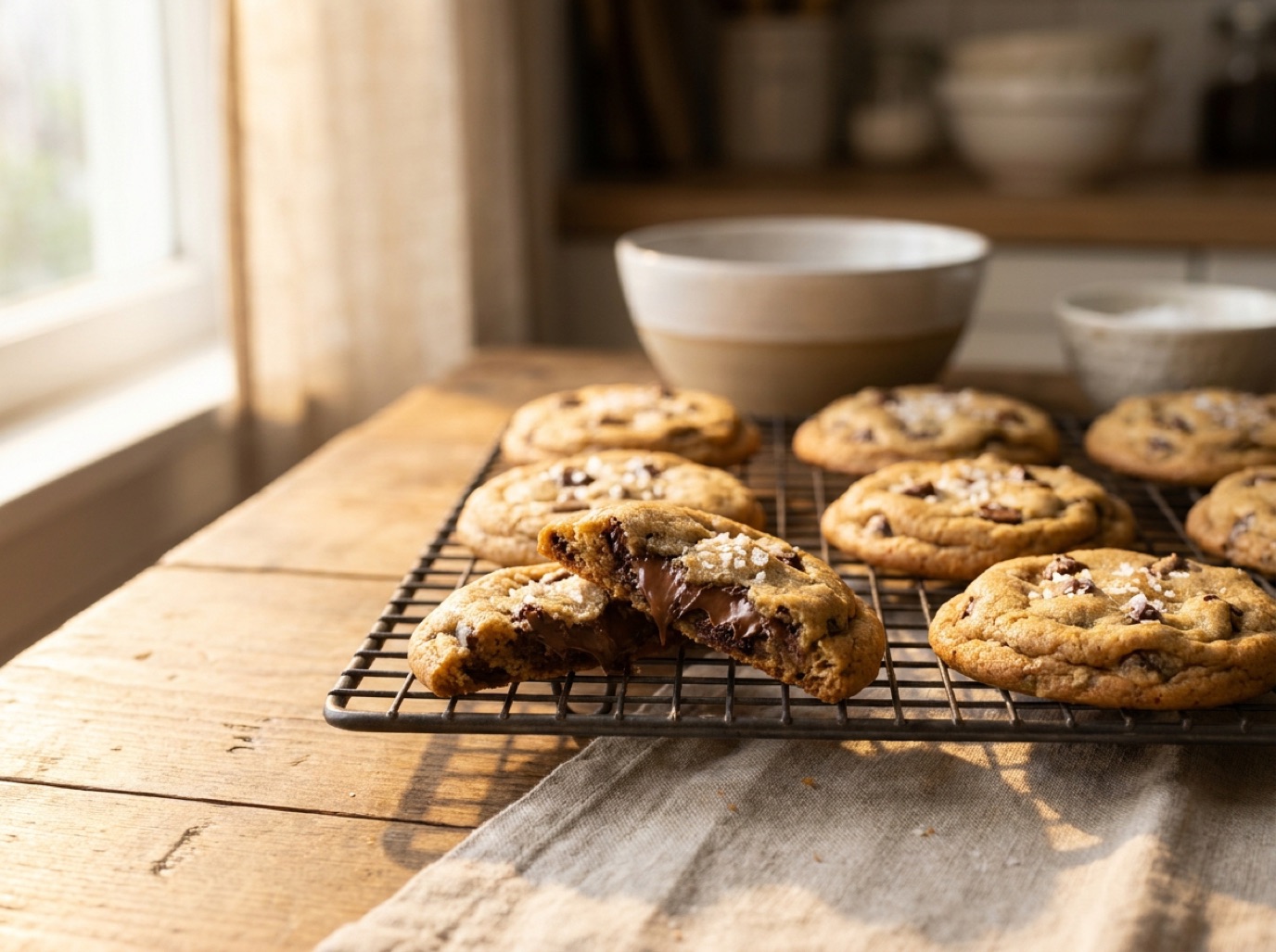
Sweet bakes
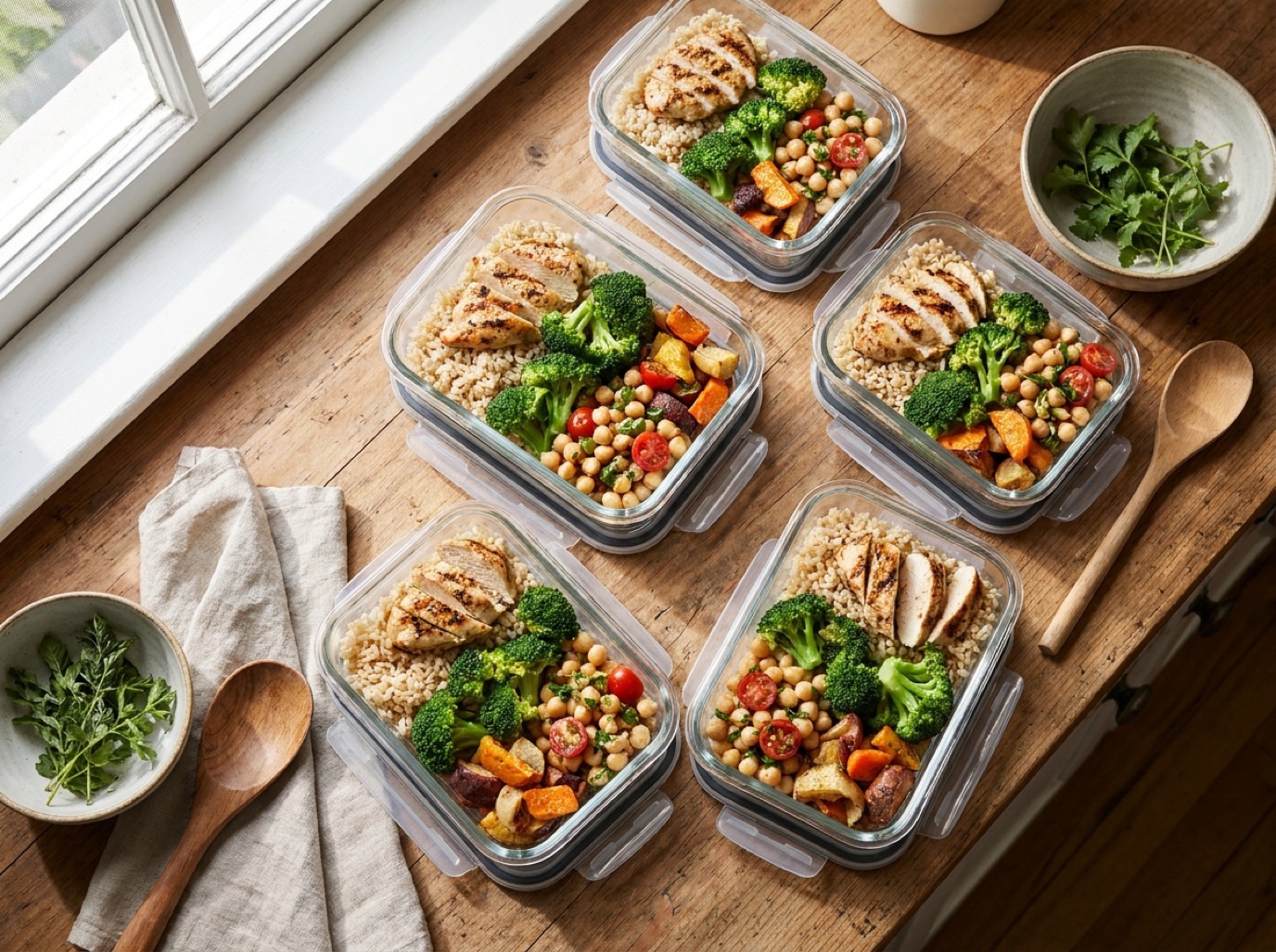
Lunches for the week
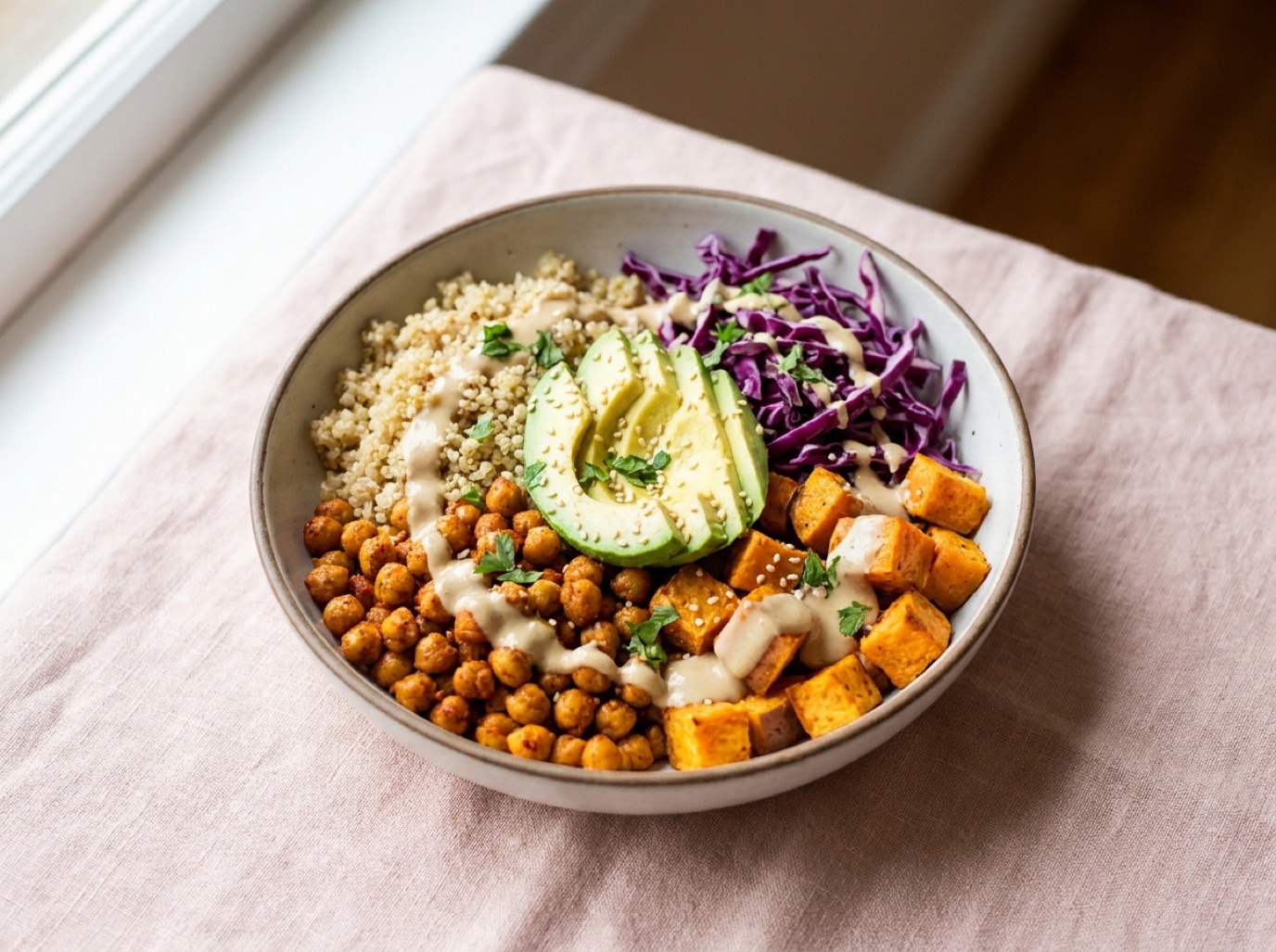
Bowls & salads
One app to save, scan, organize and cook, with an AI chef on call.
Import recipes from TikTok, Instagram, Facebook and recipe websites with the share button or a pasted link.
Scan cookbook pages, magazine clippings and handwritten recipe cards with your camera or from a photo.
Ask about substitutions, timing, techniques and what to cook with the ingredients you already have.
Organize recipes into your own collections and find any dish by name or ingredient in one tap.
See calories, protein, carbs, fat and fiber for each recipe, estimated from its ingredients.
Change ingredients, adjust servings and make every recipe your own.
SmartChef AI does the copying, formatting and organizing. You do the cooking.
 1
Share a link from TikTok, Instagram or a website, paste a URL, or scan a photo of a recipe.
 2
Ingredients, steps, cooking time and nutrition are extracted into a clean recipe you can edit.
 3
Save it to a collection, scale the servings and cook step by step. Stuck? Ask Cook AI.
Download SmartChef AI for free and save your first recipes. SmartChef AI Premium unlocks unlimited recipe scanning, importing and AI Chef conversations.
Free
$0
Scan or import up to 2 recipes
Weekly
$3.99 / week
Unlimited scans, imports & AI Chef
Yearly
$34.99 / year
Unlimited scans, imports & AI Chef
US App Store prices; local prices vary by country. Subscriptions renew automatically unless cancelled at least 24 hours before the end of the period, and can be managed in your App Store account settings.
Step-by-step: save TikTok recipes as written ingredients and steps, organize them in collections, and stop losing videos in your favorites.
Save Instagram recipes from Reels and carousel posts as clean written recipes: share-to-app steps, caption tips and how to organize them.
A practical guide to digitizing handwritten family recipe cards: scanning, transcribing tricky handwriting, preserving originals and sharing them.
The best recipe saver apps compared: social media import, cookbook scanning, organization, AI help and pricing, so you can pick the right one.
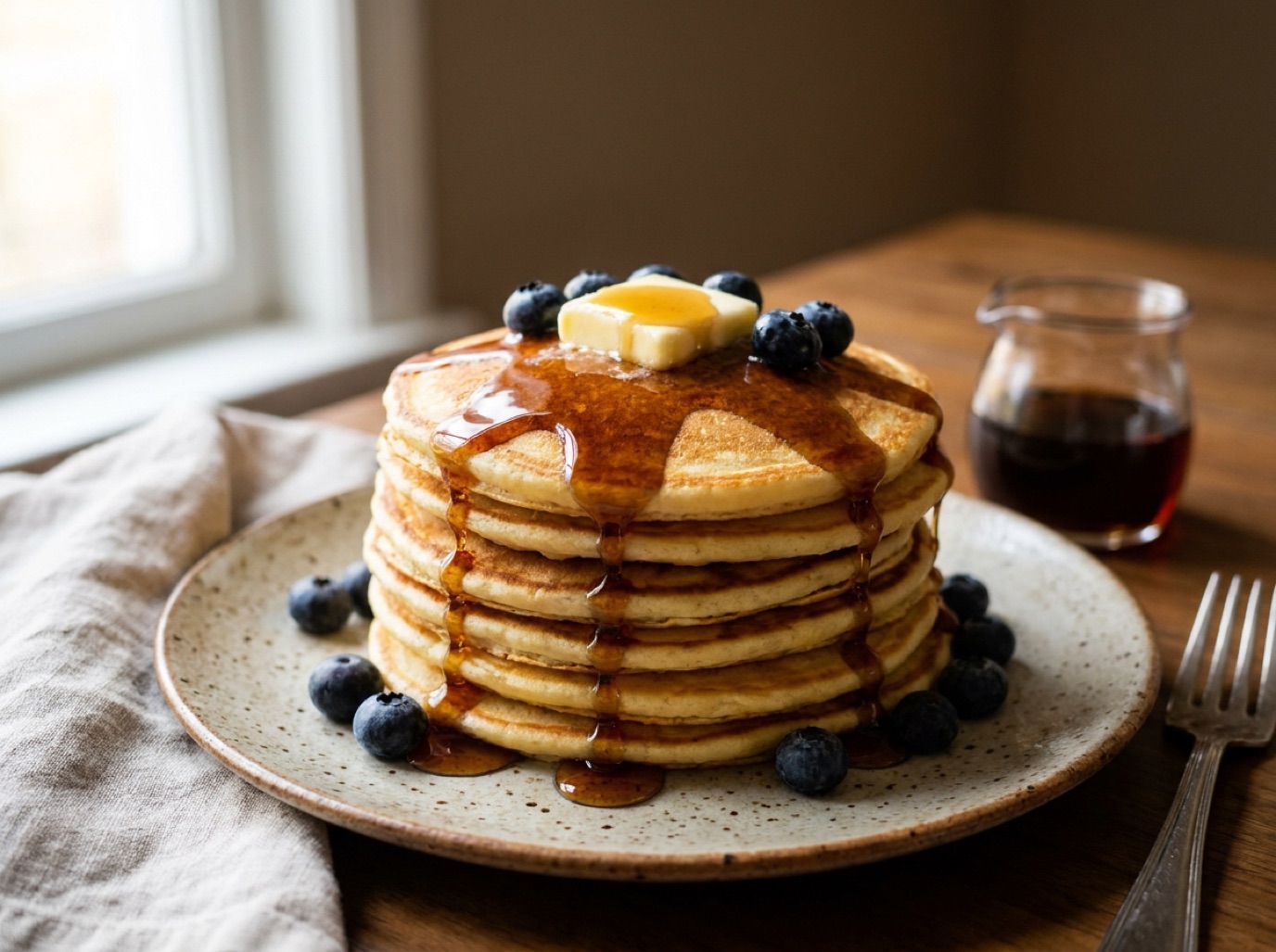
Figure out what to cook with the ingredients you already have: a simple base + protein + flavor method, 15 fridge-clearing formulas and AI tips.
Copy-paste AI cooking prompts for dinner ideas, ingredient swaps, meal prep, scaling, baking fixes and healthy versions of your favorite recipes.
Open the video or Reel, tap Share and choose SmartChef AI (or copy the link and paste it into the app's Import box). The AI reads the post and builds a recipe with ingredients and steps. It works best when the recipe is in the caption, spoken in the video or shown on screen.
Yes. Use Camera Scan to photograph a cookbook page, magazine clipping or handwritten recipe card, or pick a photo from your gallery. Clear, well-lit photos give the best results, and you can edit any ingredient afterwards.
Paste or share the link of almost any recipe website or blog. SmartChef AI pulls out the ingredients and steps and leaves the ads and long introductions behind.
Anything about cooking: ingredient substitutions, what to make with what's in your fridge, cooking times and temperatures, how to make a dish vegetarian or gluten-free, or why a bake didn't turn out.
SmartChef AI is free to download, and free users can scan and import up to 2 recipes. SmartChef AI Premium (weekly or yearly) unlocks unlimited recipe scanning, importing and AI Chef conversations.
Each recipe shows estimated calories, protein, carbs, fat and fiber per serving, calculated from its ingredients. Treat them as estimates, not medical or dietary advice.
Yes. Create collections like Weeknight Dinners, Baking or Meal Prep, save recipes into them, and search your recipes by name or ingredient.
To analyze a recipe, the image or link you choose is sent securely to an AI service (Google Gemini) and used only for that analysis. The App Store privacy label for SmartChef AI is "Data Not Collected".
SmartChef AI is currently available for iPhone and iPad on the App Store.
The app is available in 33 languages, including English, Spanish, French, German, Portuguese, Arabic, Japanese, Chinese and Korean.
Download SmartChef AI, share that recipe you saved last week and cook it tonight.