How to Digitize Family Recipes Before the Cards Fade
A practical guide to digitizing handwritten family recipe cards: scanning, transcribing tricky handwriting, preserving originals and sharing them.
By Ayoub Farid · · 2 min read
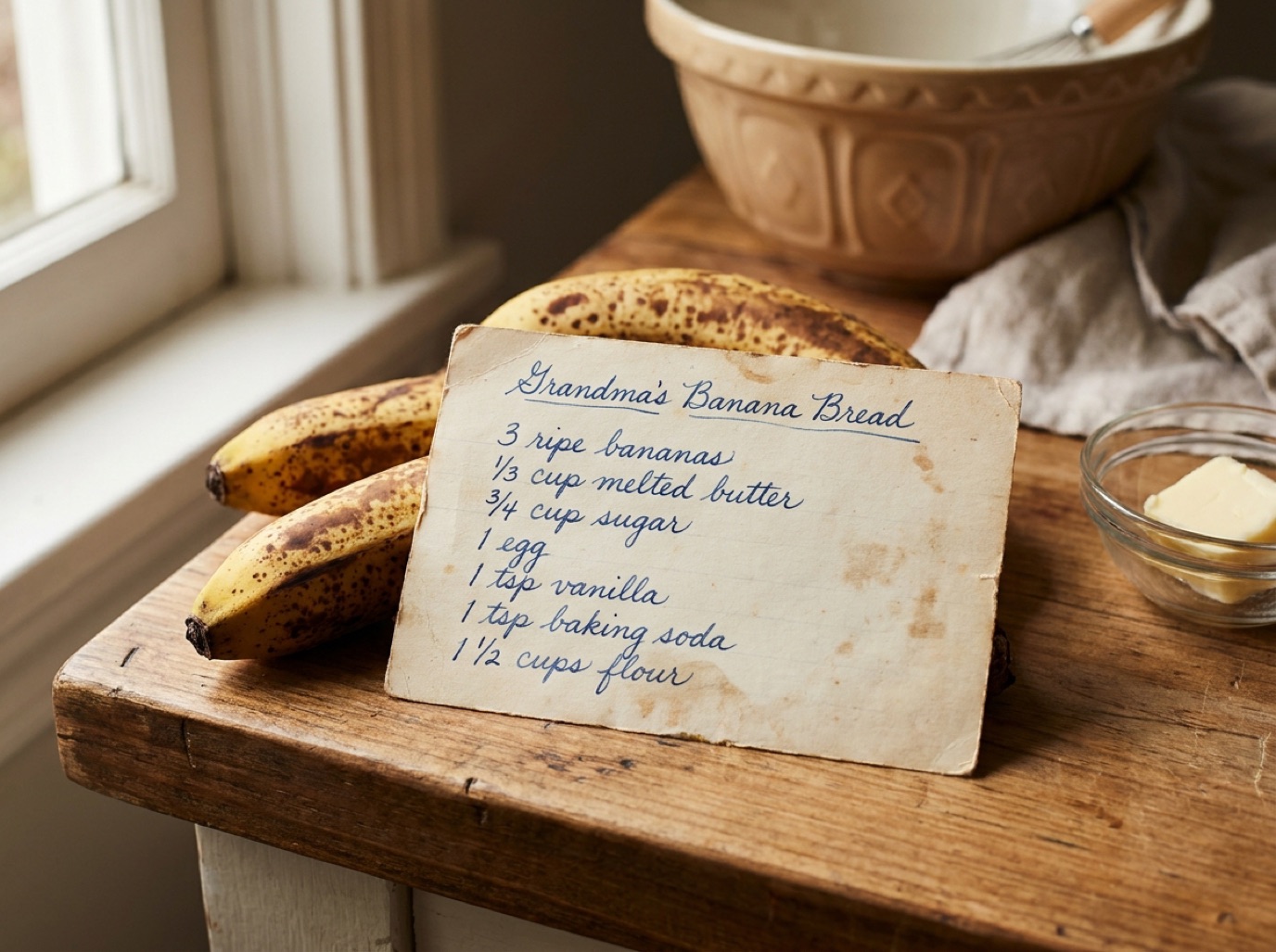
Every family has a box: index cards in three generations of handwriting, butter stains, "a handful of this", and the one recipe everyone asks for at holidays. Paper fades, gets lost in moves and sometimes ends up with just one sibling. Digitizing those recipes takes an afternoon and protects them for good.
Step 1: Gather everything
Collect cards, notebooks, margin notes in cookbooks and recipes on the back of envelopes. Ask relatives what they have, as recipes often live in several homes.
Step 2: Photograph the originals first
Before transcribing, keep a high-quality image of every card. The handwriting itself is part of the memory.
- Daylight from a window, no flash.
- Phone parallel to the card, card filling the frame.
- Photograph the back too if there are notes.
Step 3: Turn photos into editable recipes
In SmartChef AI, tap Camera Scan (or choose the photo from your gallery). The AI reads the handwriting and creates a recipe with ingredients, steps and estimated nutrition. Then:
- Fix any misread words.
- Expand abbreviations: T or Tbsp = tablespoon, t or tsp = teaspoon, c = cup, oz = ounce, pkg = package.
- Note what "a slow oven" means (roughly 150–160 °C / 300–325 °F). See oven temperature conversion.
Step 4: Decode the vague bits
Old recipes assume knowledge: "flour to make a soft dough", "bake until done", "1 can soup".
- Ask the person who cooks it, and write down their answers.
- Cook it once and measure what you actually used.
- Ask Cook AI for typical quantities as a starting point.
- Product sizes have changed over decades; a "can" may have been a different size.
Step 5: Add the story
Put the cook's name in the title ("Nana Rose's apple cake") and add a note on when it was served. Those details are what make a family cookbook special.
Step 6: Organize and share
- Create a Family recipes collection, or one per family branch.
- Share recipes with relatives; see share recipes with family.
- For a printed keepsake, see how to make a family cookbook.
Preserve the originals
Store cards in acid-free sleeves or a photo box, away from the kitchen's heat and humidity. Keep your digital photos in at least two places (for example your phone's cloud backup and a computer).
Frequently asked questions
What's the best way to scan old recipe cards?
Photograph each card in daylight, flat and straight, then use a recipe scanner to turn the photo into text. Keep the original images too.
Can AI read cursive handwriting?
Clear cursive usually works well. Faded pencil or very ornate script may need corrections after scanning.
How do I convert old measurements?
Use a conversion chart for cups, ounces and old oven terms, and test the recipe once. See cups to grams.
Save it in one tap
Every recipe you love, in one smart kitchen
SmartChef AI saves recipes from TikTok, Instagram and any website, scans cookbooks and handwritten cards, and answers your cooking questions with an AI chef. Free to download on iPhone and iPad.
Download on theApp Store