How to Share Recipes With Family (and Keep Them in One Place)
Easy ways to share recipes with family: send links and card photos they can import, build one family collection and preserve the classics.
By Ayoub Farid · · 2 min read
"Can you send me that recipe?" usually ends with a blurry photo of a card, a voice note, or a link to a website covered in ads. Sharing recipes well means sending something the other person can actually cook from, and keeping the family's recipes from scattering across group chats.
Share a clean recipe, not a messy source
The goal is for the other person to end up with the ingredients and steps in a clear format, not a 2,000-word blog post or a 90-second video they have to pause.
The simplest way:
- For online recipes, send the original link (website, TikTok, Reel or Facebook post).
- For paper recipes, send a clear photo of the card or cookbook page.
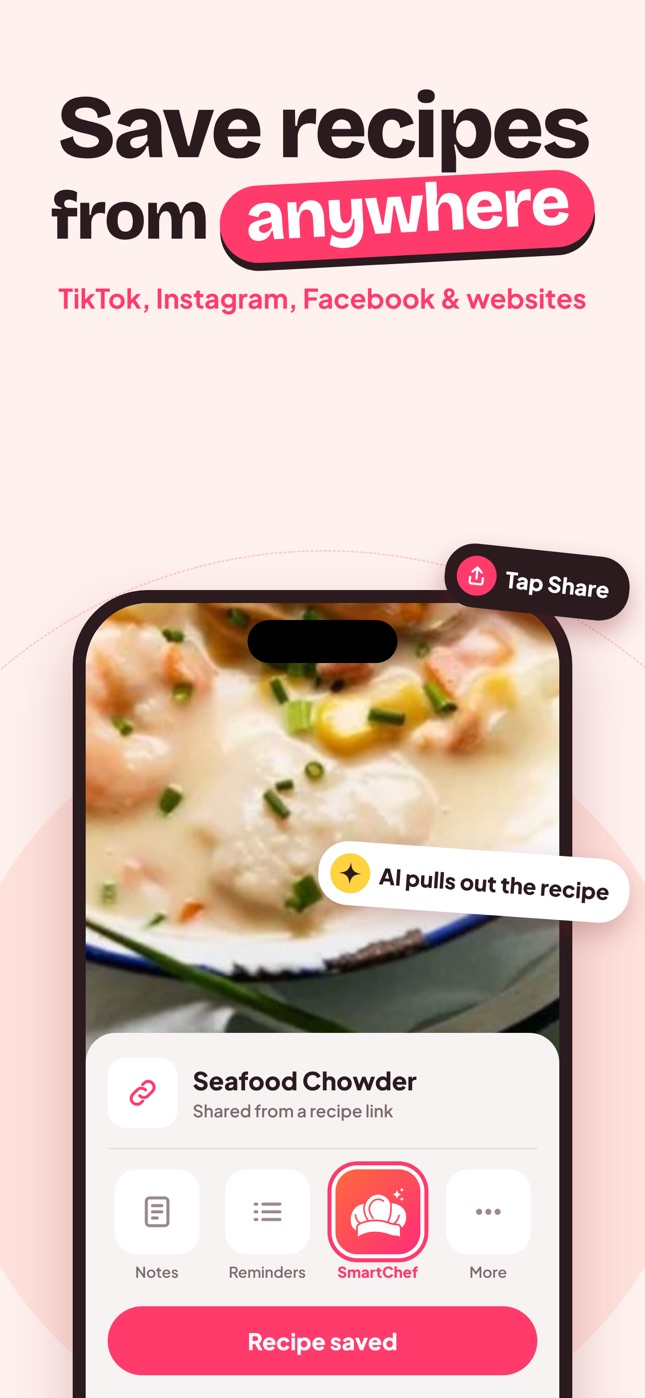
- The recipient opens the link or photo in SmartChef AI (share → SmartChef AI, or Camera Scan → choose from photos) and gets a clean recipe in their own collection.
If they don't use a recipe app, a link to the original plus a short note on any changes you made works well.
Collect the family's recipes in one place
Group chats are where recipes go to die. Instead:
- Create a Family recipes collection.
- Ask relatives to send photos of their cards or the links they cook from.
- Scan or import each one and title it with the cook's name.
Our guide to digitizing family recipes covers scanning old cards.
Make recipes easy for others to follow
When sharing your own recipe, include what you know but they don't:
- the size of your pan,
- what "a bit" of salt means to you,
- how it should look when done ("edges bubbling, center set"),
- the brand or type of ingredient if it matters.
Holiday planning
Before a big family meal, share the full menu as a set of recipes so everyone knows what they're bringing and how to make it. See Thanksgiving dinner plan and Christmas dinner ideas.
A printed keepsake
For milestones, turn the family collection into a book. See how to make a family cookbook.
Recipes for family members who don't cook much
When sharing with a beginner (a student leaving home, a partner learning to cook), pick recipes with short ingredient lists and clear cues. Add notes like "medium heat = the dial halfway" and "the onions should be soft and see-through, not brown". Our list of easy recipes for beginners is a good starter set to share.
Recipes across languages
Families spread across countries often cook in different languages. SmartChef AI's interface is available in 33 languages, and Cook AI can help translate or explain a recipe written in another language.
Frequently asked questions
What's the easiest way to share a recipe?
Send the original link or a clear photo of the recipe, plus a note on any changes you made. The recipient can import it into their own recipe app.
How can a whole family keep recipes together?
Agree on one place (one app collection or a shared document), and add recipes there instead of the group chat.
How do I share a recipe I found on TikTok?
Send the TikTok link. Your relative can share it to their own recipe app to get the written version, and still watch the video for technique.
Save it in one tap
Every recipe you love, in one smart kitchen
SmartChef AI saves recipes from TikTok, Instagram and any website, scans cookbooks and handwritten cards, and answers your cooking questions with an AI chef. Free to download on iPhone and iPad.
Download on theApp Store