How to Save Recipes From Pinterest Into a Real Recipe Box
Pinterest pins link to recipes but don't store them. Here's how to save the actual recipe from a pin and keep it even if the link breaks.
By Ayoub Farid · · 2 min read
Pinterest is brilliant for recipe inspiration. As a recipe box, it has a problem: a pin is a picture with a link. If the website changes or disappears, your "saved" recipe is a dead end. And even when it works, you're back on a page full of ads.
Save the recipe, not just the pin
- Open the pin and tap Visit (or the image) to open the original recipe page.
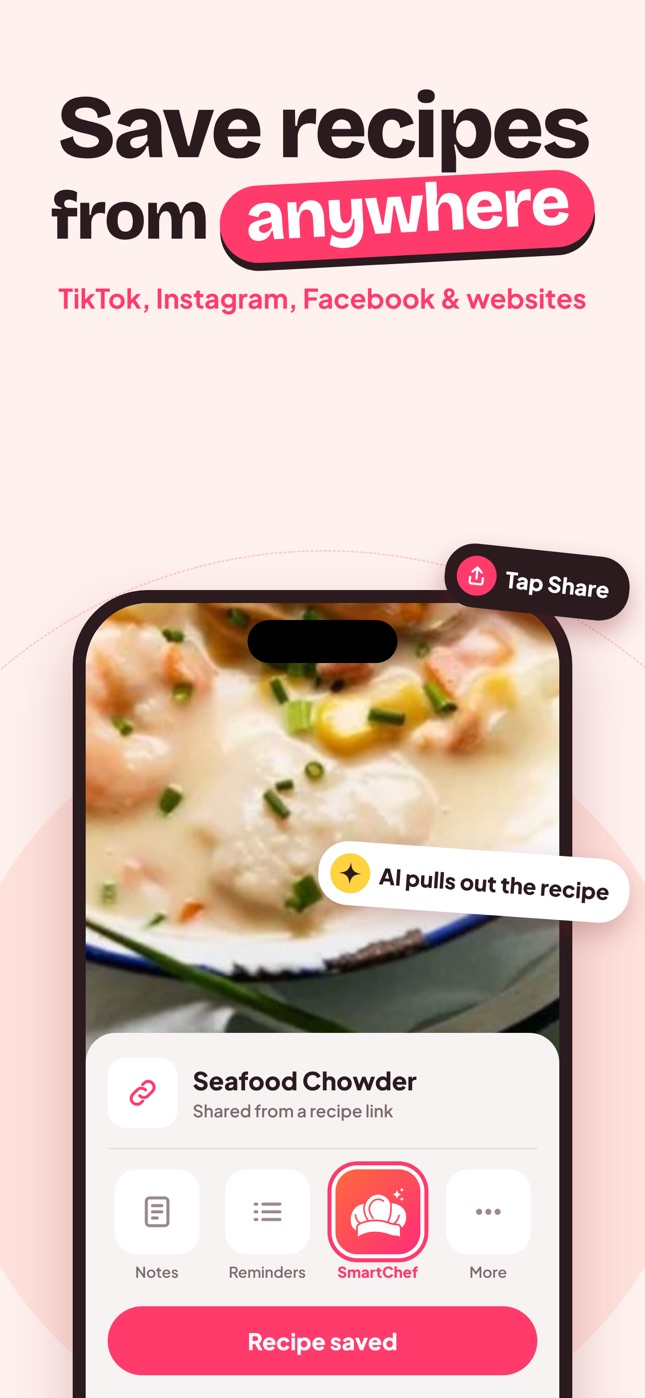
- On that page, tap Share and choose SmartChef AI, or copy the URL.
- In SmartChef AI, paste the link into Import Recipe if you copied it.
- You get the ingredients, steps, time and nutrition in a clean format.
- Save it to a collection that mirrors your Pinterest board ("Easy dinners").
Sharing the pin's own link may work too, but importing from the original website is the most reliable, because recipe websites usually include structured recipe data.
Pins without a website
Some pins are just an image with the recipe written on it (common for "recipe card" graphics). Save the image and use Camera Scan → choose from photos. More in recipe photo to text.
Broken pins
If a pin's link is dead:
- Search the recipe name plus the blog name; it may have moved.
- Check the pin image for a recipe card you can scan.
- Ask Cook AI for a classic version based on the title and photo.
Turning boards into collections
Pinterest boards translate well into collections:
- "Dinner ideas" → Weeknight
- "Baking" → Baking
- "Healthy" → Healthy
- "Holidays" → Hosting & holidays
Only import pins you actually want to cook. A board of 900 pins is inspiration; a recipe collection should be a shortlist. See digital recipe box.
Pinterest vs a recipe app
| Pinterest board | Recipe app | |
|---|---|---|
| Visual inspiration | Excellent | Good |
| Stores the recipe itself | No, links only | Yes |
| Works if the link breaks | No | Yes |
| Ingredient search | No | Yes |
| Cook mode and scaling | No | Yes |
Many people use both: Pinterest for browsing ideas, a recipe app for the recipes they actually cook. Move a recipe from Pinterest to your app the moment you decide to cook it this week.
Tip: check the recipe card, not just the photo
Pinned photos can be misleading. Before importing, scroll to the recipe card and check servings, time and ingredients. If it takes three hours and you wanted a weeknight dinner, skip it.
Frequently asked questions
Can I save Pinterest recipes offline?
Pins need the original website. Importing the recipe into an app keeps a copy of the recipe in the app.
Why is the imported recipe different from the pin image?
Pins sometimes point to a blog homepage or a different version. Import from the exact recipe page.
Is it OK to save recipes from Pinterest?
Saving recipes for your own cooking is fine. Don't republish someone else's recipe and photos publicly.
Save it in one tap
Every recipe you love, in one smart kitchen
SmartChef AI saves recipes from TikTok, Instagram and any website, scans cookbooks and handwritten cards, and answers your cooking questions with an AI chef. Free to download on iPhone and iPad.
Download on theApp Store