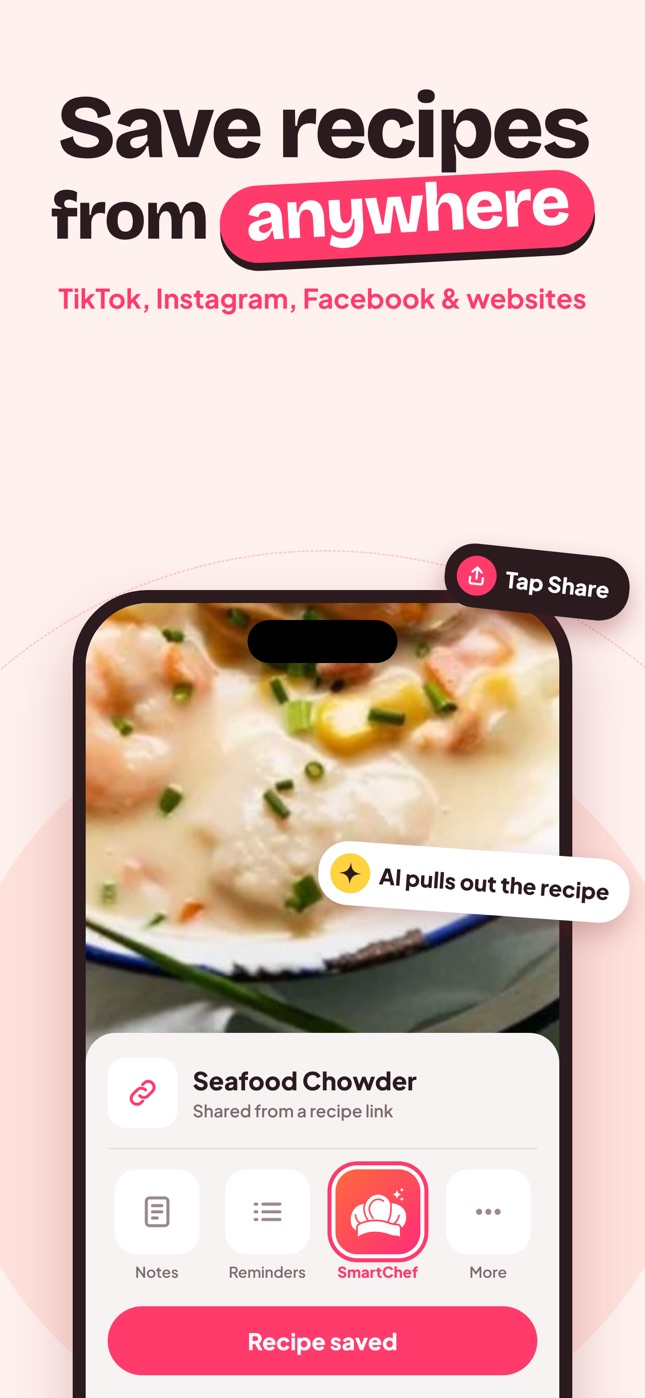
Recipe Scanner App: Turn Cookbook Pages and Cards Into Recipes
How a recipe scanner app turns cookbook pages, magazine clippings and handwritten cards into editable digital recipes, plus tips for clean scans.
By Ayoub Farid · · 2 min read
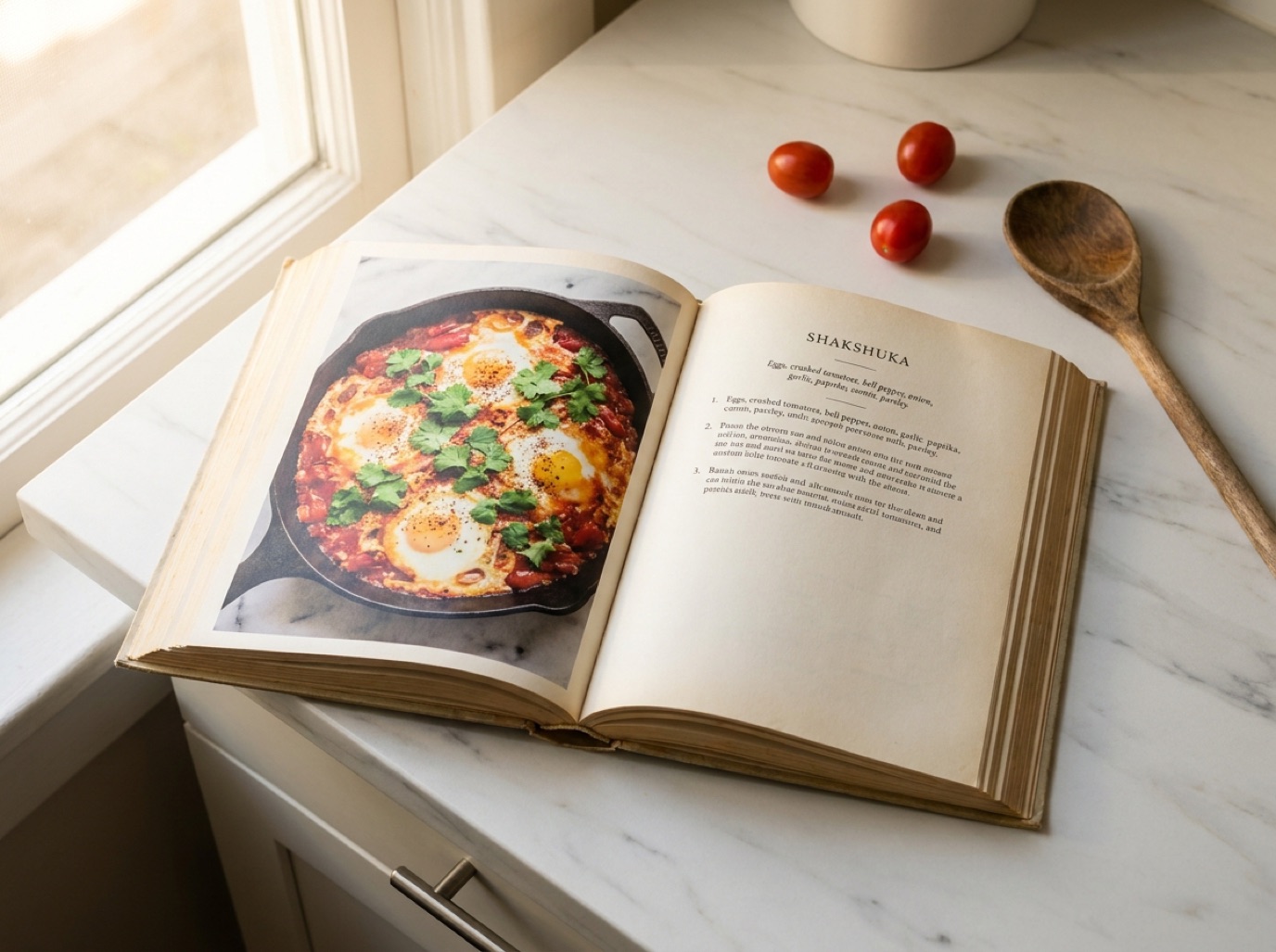
A recipe scanner app takes a photo of a printed or handwritten recipe and turns it into text you can edit, search, scale and cook from. It sounds simple, but the difference between a good and a bad scanner shows up the moment you try a stained card written in cursive in 1978.
What a recipe scanner should handle
- Cookbook pages with two columns, photos and side notes.
- Magazine clippings with fancy fonts and colored backgrounds.
- Handwritten cards with abbreviations ("c.", "T.", "t.", "pkg"), fractions and smudges.
- Printed recipe cards from meal-kit boxes and recipe websites.
- Screenshots you took of recipes on your phone.
Old-style OCR (optical character recognition) just turns pixels into letters. AI scanners go further: they understand that "1 c. flour" is an ingredient with a quantity and unit, and that "Bake 350 for 1 hr" is a step.
How scanning works in SmartChef AI
- Open SmartChef AI and tap Camera Scan (or pick a photo from your gallery).
- Capture the recipe. Fill the frame and avoid glare.
- The AI extracts the title, ingredients, steps, time and estimated nutrition.
- Review it, fix anything misread, and save it to a collection.
It can even suggest a recipe from a photo of a plated dish, which is handy for recreating a restaurant meal. More on that in recipe from a food photo.
Tips for a clean scan
- Light: daylight from a window, no flash. Flash causes glare on glossy pages.
- Angle: hold the phone parallel to the page. Tilted shots distort text.
- Flatten: press cookbook pages flat with a hand at the edge or weigh them down.
- One recipe per photo: crop out neighboring recipes so ingredients don't mix.
- Two-page recipes: scan both pages, or photograph the ingredient list and steps separately.
For irreplaceable family cards, also keep a high-resolution image of the original. See how to digitize family recipes.
Common scanning mistakes (and fixes)
| Problem | Likely cause | Fix |
|---|---|---|
| Fractions wrong (½ read as 1/2 or 12) | Small or faint print | Zoom in, rescan closer |
| Ingredients from another recipe | Two recipes in frame | Crop to one |
| Missing steps | Recipe continues overleaf | Scan the second page |
| Odd abbreviations | Handwritten shorthand | Edit after scanning: T = tbsp, t = tsp |
What to do after scanning
- Add the recipe to a collection ("Grandma's recipes", "Baking").
- Note the source in the title ("Aunt May's chili").
- Adjust servings and check the converted quantities. Our cups to grams guide helps with old American measures.
Frequently asked questions
Can a recipe scanner read handwriting?
AI scanners can read clear handwriting well. Very faded or heavily slanted script may need a few corrections after scanning.
Is scanning better than typing recipes?
For more than a couple of recipes, yes. It takes seconds per recipe, and you only fix the occasional misread word.
Can I scan a whole cookbook?
Technically yes, recipe by recipe, but keep it for personal use. Copyrighted cookbooks shouldn't be shared publicly. See how to scan a cookbook.
Does SmartChef AI scan for free?
Free users can scan or import a limited number of recipes. Premium unlocks unlimited scanning.
Save it in one tap
Every recipe you love, in one smart kitchen
SmartChef AI saves recipes from TikTok, Instagram and any website, scans cookbooks and handwritten cards, and answers your cooking questions with an AI chef. Free to download on iPhone and iPad.
Download on theApp Store