How to Scan a Cookbook Into Your Phone (Recipe by Recipe)
Scan favorite cookbook recipes into your phone: lighting, angles, two-page recipes, checking the results and organizing them in collections.
By Ayoub Farid · · 2 min read
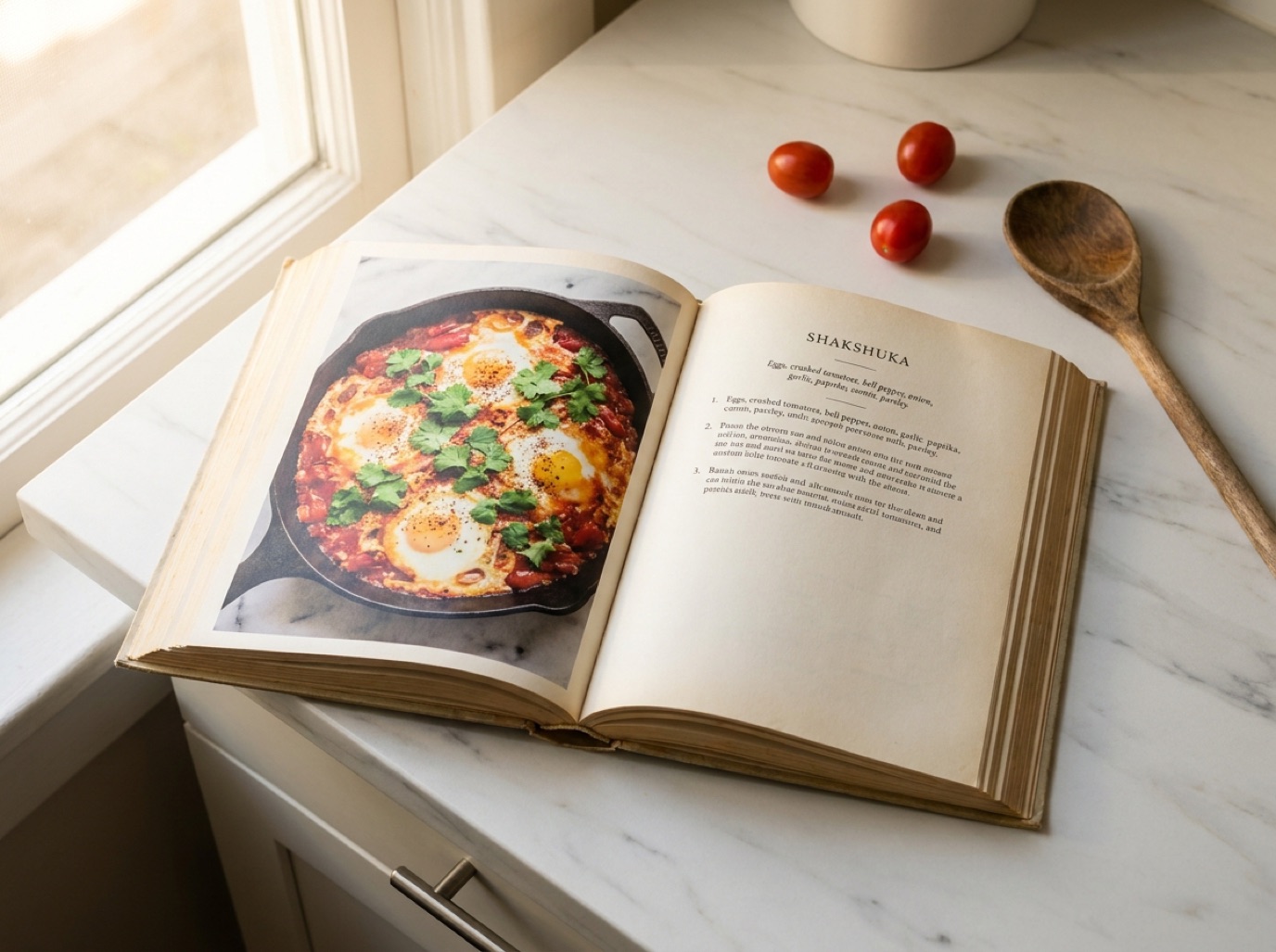
Cookbooks are wonderful until you're at the supermarket and can't remember whether the curry needed coconut milk or cream. Scanning your favorite cookbook recipes puts them on your phone with ingredient search and servings scaling, while the book stays safely on the shelf.
Which recipes to scan
Don't scan the whole book. Scan:
- recipes you've cooked and loved,
- recipes you plan to cook this month,
- recipes with notes you've added in the margin.
That keeps your collection useful, and keeps you comfortably within personal use of a book you own.
Set up for clean scans
- Light: daylight near a window. Avoid overhead lights that cast your shadow on the page.
- Flat pages: cookbooks don't like lying open. Hold the edge with one hand, use a cookbook stand, or place a clean ruler along the gutter.
- Glare: glossy pages reflect light; tilt the book slightly away from the window.
- Frame: fill the frame with the recipe; crop out the facing page if it's a different recipe.
Scan with SmartChef AI
- Open SmartChef AI and tap Camera Scan.
- Photograph the recipe page.
- The AI extracts the title, ingredients, steps, time and estimated nutrition.
- Check quantities and fractions (½, ¼ and ⅓ are the usual suspects).
- Save to a collection, for example "From cookbooks" or by meal type.
Two-page and split recipes
Long recipes often continue overleaf, or list sub-recipes ("For the sauce…"). Scan each page and merge the steps. Sub-recipes can be kept as separate sections within the steps.
Add the source
Put the book name in the title or the first step: "Chicken tagine (from [book], p. 112)". When you want to reread the author's notes, you'll know exactly where to look.
After scanning
- Adjust servings for your household.
- Convert units if the book uses a different system. See cups to grams and oven temperature conversion.
- Add your notes from cooking it ("double the garlic").
Respect the author
Scanning recipes from a book you own for your own cooking is personal use. Don't post scanned recipes or photos publicly, and consider recommending the book to friends instead.
Frequently asked questions
Can my phone scan a cookbook page accurately?
Yes, with good light and a flat page. AI scanning handles columns and photos on the page; just double-check fractions.
How do I scan recipes from a library book?
Scanning for personal reference is common, but it's better to note the recipes you love and buy the book if you cook from it often.
What about magazine recipes?
Same process. Clippings are flat, so they're usually even easier to scan. See recipe scanner app.
Save it in one tap
Every recipe you love, in one smart kitchen
SmartChef AI saves recipes from TikTok, Instagram and any website, scans cookbooks and handwritten cards, and answers your cooking questions with an AI chef. Free to download on iPhone and iPad.
Download on theApp Store