Getting Started With SmartChef AI: Save, Scan and Cook in 10 Minutes
A quick SmartChef AI guide: import recipes from TikTok and websites, scan cookbooks, create collections, use cook mode and ask Cook AI.
By Ayoub Farid · · 2 min read

This guide gets you from a fresh download to a tidy recipe collection and your first cooked meal in about ten minutes. SmartChef AI is available for iPhone and iPad.
1. Import your first recipe from social media
- Open a recipe video on TikTok, Instagram or Facebook.
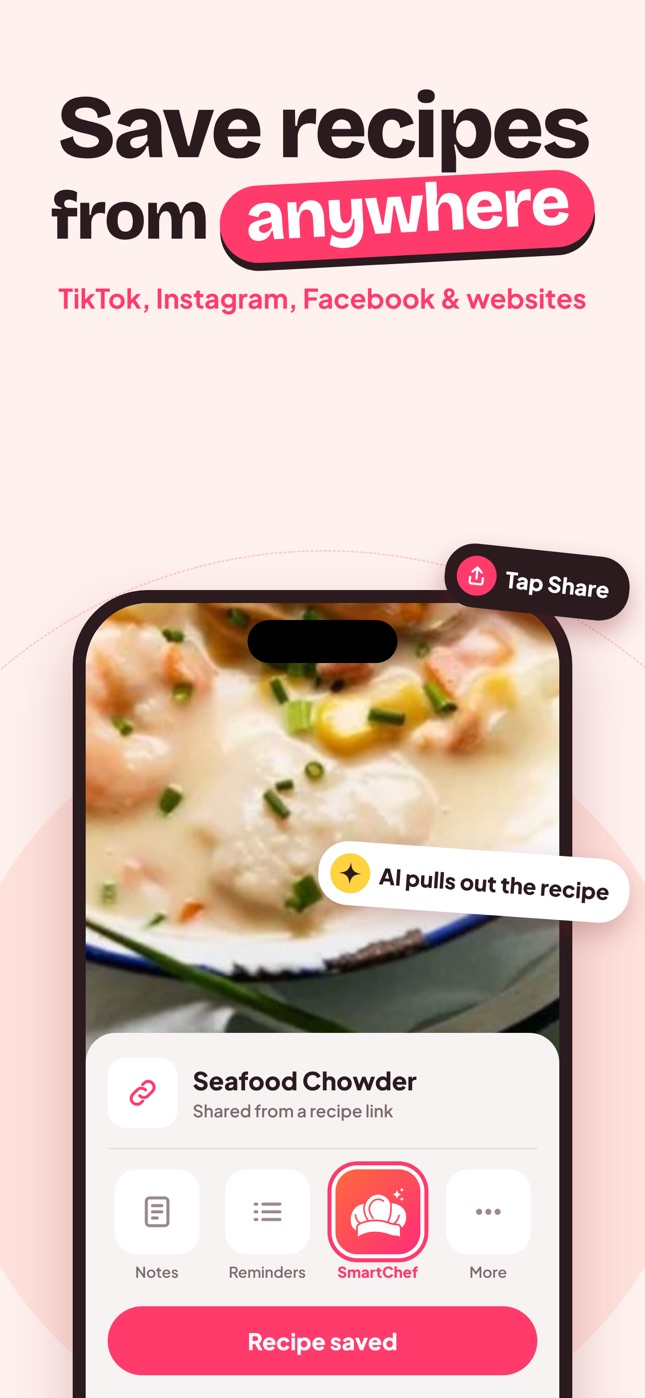
- Tap Share and choose SmartChef AI. If you don't see it, tap "More" and add it to your favorites.
- Wait a few seconds while the AI extracts the recipe.
- Review the ingredients and steps, then save.
Alternatively, copy the link and paste it into the Import Recipe box on the home screen. Details: save recipes from TikTok.
2. Import from a website
Share the page from Safari, or paste its URL. You get the recipe without ads or long intros. See recipes without ads.
3. Scan a cookbook page or recipe card
Tap Camera Scan, photograph the recipe in good light, and review the result. Handwritten family recipes work too. Tips in how to digitize family recipes.
4. Create collections
Go to Collections → Add New Collection. Start with a few:
- Weeknight dinners
- Baking
- Soups
- Family recipes
- To try
Then save each recipe to one. More structure ideas in recipe category ideas.
5. Cook with the recipe view
Open a recipe to see:
- Ingredients you can tick off as you go
- Servings you can adjust
- Nutrition: calories, protein, carbs, fat and fiber (estimates)
- Steps, shown one at a time with previous/next controls
You can also edit ingredients to match what you actually used.
6. Ask Cook AI
Open the Chat tab and ask anything:
- "What can I make with chicken, rice and spinach?"
- "Substitute for buttermilk in pancakes?"
- "How do I halve this recipe?"
See 50 AI cooking prompts for ideas.
Free vs Premium
The app is free to download, and free users can scan or import up to 2 recipes. SmartChef AI Premium (weekly or yearly) unlocks unlimited scanning, importing and AI Chef conversations.
Tips from week one
- Start with recipes you'll cook this week. The fastest way to see the value is to cook from the app within a day of importing.
- Name collections by occasion, not cuisine. "15-minute dinners" is more useful on a Tuesday than "Italian".
- Edit while you cook. If you add more garlic, update the ingredient so the recipe stays true.
- Use search. Type an ingredient you need to use up and see which saved recipes include it.
Frequently asked questions
Why doesn't SmartChef AI appear in my share menu?
Scroll the app row to the end, tap "More", and enable SmartChef AI. You can drag it to the front for quick access.
Can I change the app language?
Yes. Go to Settings → Language and pick from 33 languages.
What does the AI notice mean?
To analyze recipes, the image or link you choose is sent securely to an AI service for that analysis. You'll be asked to agree before your first import or scan.
Save it in one tap
Every recipe you love, in one smart kitchen
SmartChef AI saves recipes from TikTok, Instagram and any website, scans cookbooks and handwritten cards, and answers your cooking questions with an AI chef. Free to download on iPhone and iPad.
Download on theApp Store