Recipe Keeper App: What to Look For and How to Start
Choosing a recipe keeper app: importing from social media and websites, scanning cards, organizing collections, cooking mode and pricing explained.
By Ayoub Farid · · 2 min read

A recipe keeper app is your personal cookbook on your phone: the recipes you've saved, scanned, tweaked and loved, all in one place. The right one makes saving effortless and cooking easier; the wrong one becomes another app full of half-imported links.
Five things a recipe keeper must do
1. Capture from anywhere
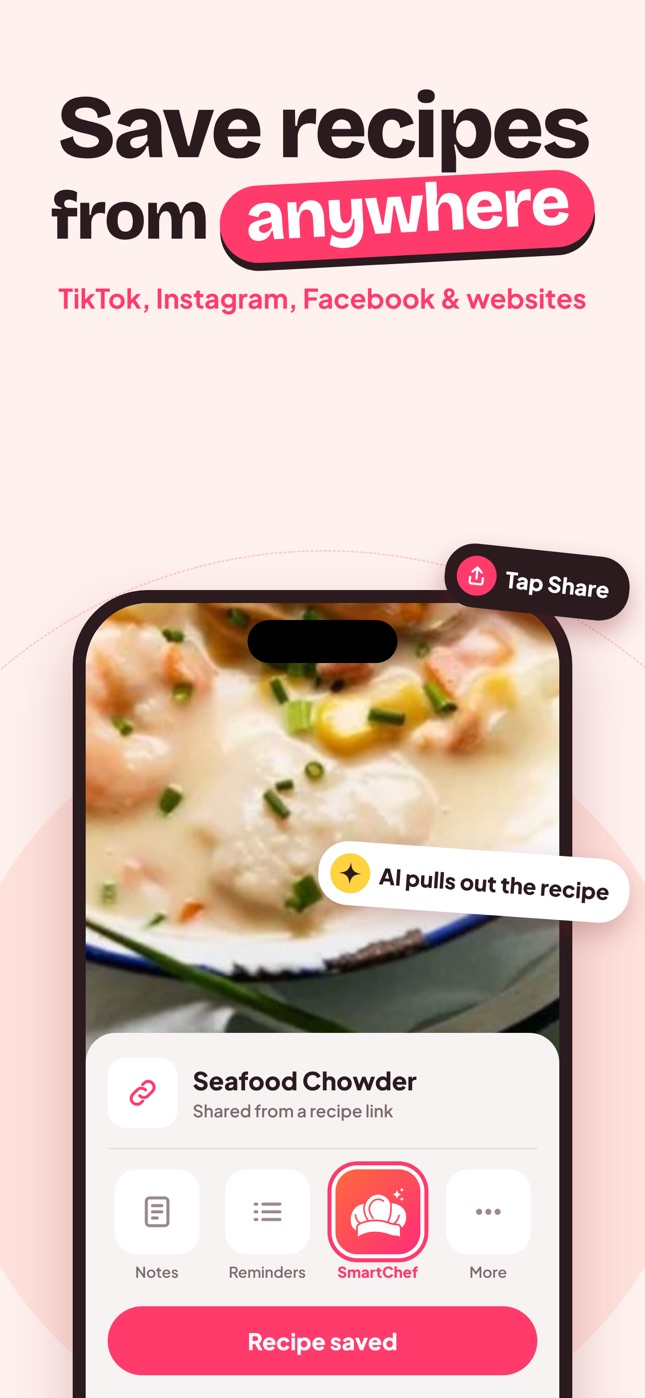
Recipes arrive from TikTok, Instagram, Facebook, food blogs, Pinterest, cookbooks, family cards and messages. A recipe keeper should take them all with minimal effort: a share button for links and a camera scan for paper.
2. Clean them up
A saved recipe should look the same no matter where it came from: ingredients, steps, time, servings. AI import does this automatically.
3. Organize simply
Collections plus search. See how to organize recipes.
4. Help you cook
Ingredient checklist, servings scaling and step-by-step instructions you can read from the counter.
5. Keep your changes
Edit ingredients and steps so the recipe reflects how you make it.
How SmartChef AI handles it
SmartChef AI covers all five:
- Capture: share from TikTok, Instagram, Facebook or Safari, paste a link, or use Camera Scan for cookbooks and handwritten cards.
- Clean up: the AI extracts ingredients, steps, cooking time and estimated nutrition.
- Organize: collections and search by recipe or ingredient.
- Cook: tick off ingredients, adjust servings, follow steps one at a time.
- Ask: Cook AI answers questions about swaps and timing.
It's free to download, with Premium for unlimited imports, scans and AI chats.
Questions to ask any recipe keeper
- What happens to my recipes if I stop paying?
- Does it work on iPhone and iPad? Android?
- Can I export or share recipes?
- How does it handle privacy for photos and links?
Getting started in 15 minutes
- Import 5 recipes you cook every week.
- Scan 2 family recipe cards.
- Import 5 "to try" recipes from social media.
- Create 4 collections and file everything.
- Cook one recipe from the app tonight.
Recipe keeper vs recipe website accounts
Many recipe sites let you "save" recipes to an account on their website. That works until you save from 15 different sites and need 15 logins. A recipe keeper app collects recipes from every site and app in one place, in one format.
Backing up your recipes
Your recipe collection becomes valuable over time. Check how your app stores your recipes and keep copies of irreplaceable family recipes (the original photos) somewhere safe too.
Frequently asked questions
Is a recipe keeper app worth it?
If you save recipes from several places and struggle to find them, yes. It saves time every week.
Can I keep recipes from websites that might disappear?
Yes. Once imported, your copy is stored in the app even if the website changes.
What's the difference between a recipe keeper and a meal planner?
A recipe keeper stores and organizes recipes; a meal planner schedules them. Many people plan with AI using their saved recipes; see AI meal planner.
Save it in one tap
Every recipe you love, in one smart kitchen
SmartChef AI saves recipes from TikTok, Instagram and any website, scans cookbooks and handwritten cards, and answers your cooking questions with an AI chef. Free to download on iPhone and iPad.
Download on theApp Store