Apple Notes for Recipes vs a Recipe App: Honest Comparison
Is Apple Notes good enough for recipes? Compare Notes with a dedicated recipe app for saving, searching, scaling, scanning and cooking.
By Ayoub Farid · · 2 min read
Apple Notes is free, fast and already on your iPhone, so it's a natural place to keep recipes. Plenty of people do. But at some point, usually around recipe number 40, Notes starts to feel like a junk drawer. Here's an honest look at both options.
What Apple Notes does well
- Free and built in. Syncs across Apple devices with iCloud.
- Quick capture. Paste text, add photos, or use the built-in document scanner.
- Folders and search. Full-text search works across notes.
- Checklists. You can turn ingredients into a checklist.
For a dozen recipes, it's perfectly fine.
Where Notes falls short for cooking
- No import from social media. You copy captions by hand; spoken recipes in videos are lost.
- No recipe structure. Every note looks different, depending on where you pasted from.
- No scaling. Doubling a recipe means doing math on a sticky screen.
- No nutrition.
- No cooking view. Long notes mean scrolling up and down with messy hands.
What a recipe app adds
SmartChef AI is built for recipes specifically:
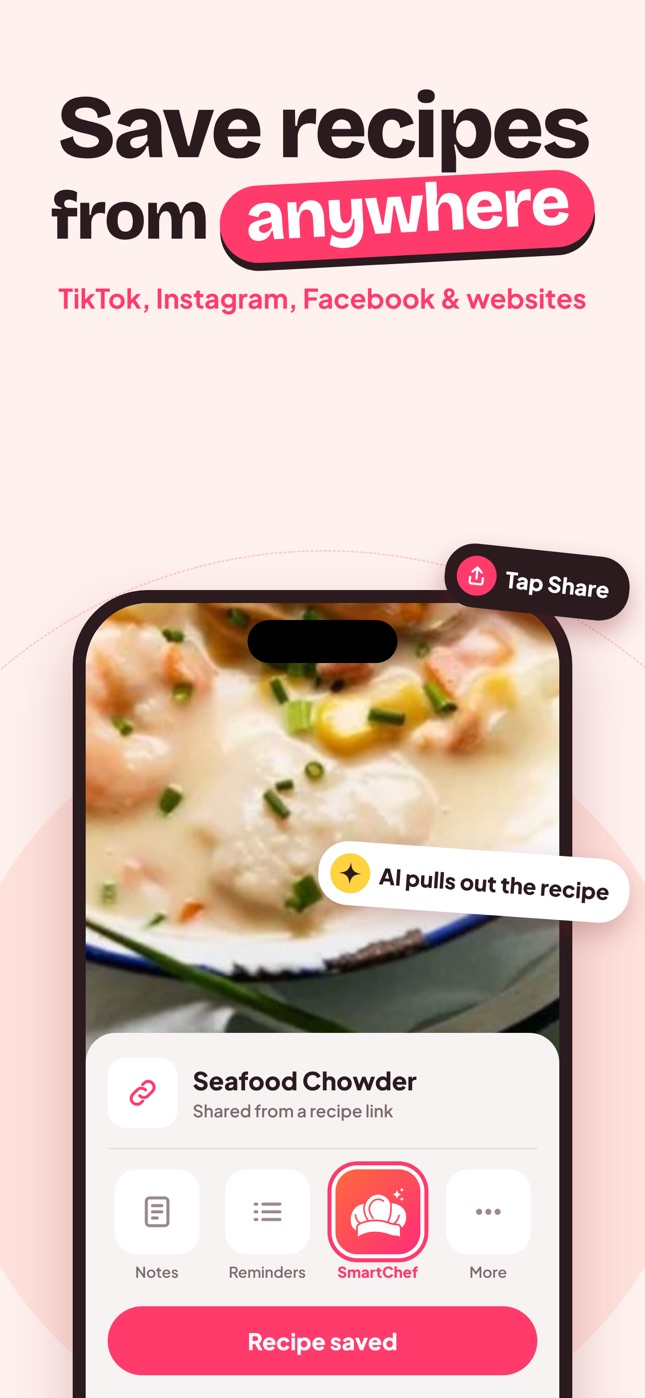
- Import from TikTok, Instagram, Facebook and websites via the share sheet.
- Scan cookbook pages and handwritten cards into structured recipes.
- Consistent format: ingredients, steps, time, servings and estimated nutrition for every recipe.
- Scale servings and tick off ingredients.
- Collections and search by recipe or ingredient.
- Cook AI for swaps and questions.
Comparison
| Apple Notes | Recipe app | |
|---|---|---|
| Price | Free | Free tier, paid plans |
| Import from TikTok/Instagram | Manual copy | One tap |
| Scan handwriting | Image only | Editable recipe |
| Scale servings | No | Yes |
| Nutrition | No | Yes (estimated) |
| Cook mode | No | Yes |
Moving from Notes to a recipe app
- Open your recipe folder in Notes.
- For notes with a source link, import the link.
- For pasted text or photos, screenshot and use Camera Scan, or paste the text into Cook AI and ask it to format the recipe.
- Start with the 20 you cook most.
When Notes is enough
If you cook from fewer than 20 recipes, rarely save from social media and never scale recipes, Notes is probably fine. Keep one folder, one note per recipe, and a consistent format.
When it's time to switch
- You have more than 40–50 recipe notes.
- Most of your recipes come from TikTok or Instagram.
- You often double or halve recipes.
- You want to scan family recipe cards.
- You can't find recipes when you need them.
Frequently asked questions
Is Apple Notes good for recipes?
It's fine for a small number of recipes. For a growing collection, a recipe app saves time with import, scaling and search.
Can I keep using Notes for some recipes?
Sure. Many people keep quick notes in Notes and real recipes in a recipe app.
Does a recipe app sync like Notes?
Check each app's sync and backup options before committing your whole collection.
Save it in one tap
Every recipe you love, in one smart kitchen
SmartChef AI saves recipes from TikTok, Instagram and any website, scans cookbooks and handwritten cards, and answers your cooking questions with an AI chef. Free to download on iPhone and iPad.
Download on theApp Store